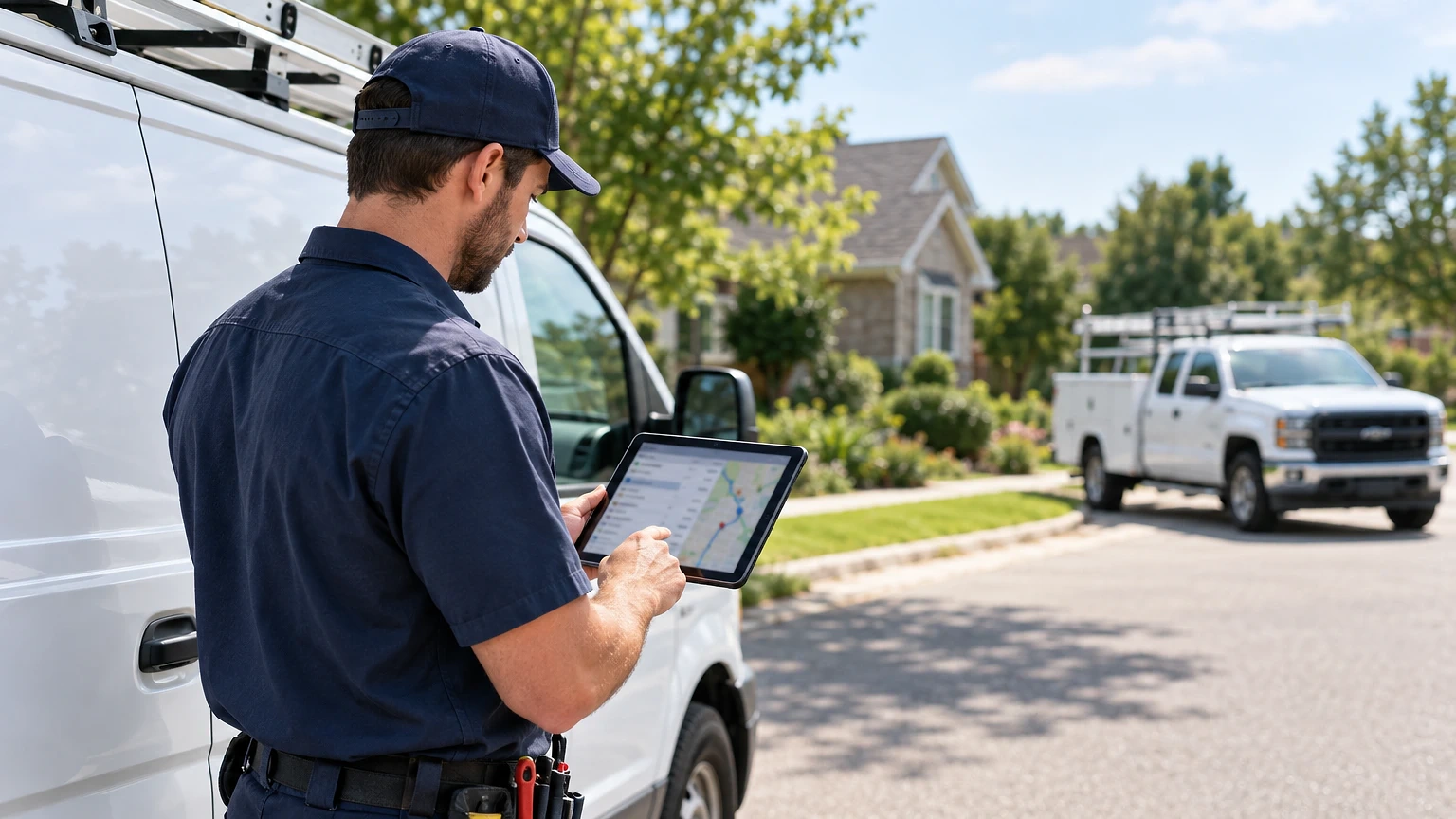
Most small shops lose their first real dispatch battle on the phone, not in the field. Every call that rings through while your tech is under a furnace is a job you either answer or lose, and that is exactly the gap service dispatch software is built to close.
Service dispatch software fixes that gap for shops running two to five trucks. This guide skips the enterprise feature lists and covers what a small crew needs, what it costs, and how to roll it out without a mess.
Why Two-Truck Shops Break Differently
A five-truck shop can survive on a whiteboard. By contrast, a two-truck shop usually can’t, because the owner is also the dispatcher, the estimator and the biller.

Picture a Tuesday in July. Your tech Dave is on a no-cool call. A second customer phones in. Third call comes from a landlord with a water heater leaking. You’re on a roof. As a result, nobody answers, and one of those jobs goes to the competitor who picked up.
Small-shop dispatch problems are specific:
- Missed calls while the owner is on a job
- Double-booked time slots
- Paper tickets that never make it to invoicing
- No way to see which truck is closest
Service dispatch software solves these by putting one live schedule in everyone’s pocket. In other words, you don’t need route optimization across fifty stops. You need to know who is free, who is close, and what the customer was told.
The Only Service Dispatch Software Features a Small Crew Needs
Skip the demo’s flashiest tools. Instead, for a shop this size, five features carry the load.
First, a drag-and-drop schedule the whole crew sees on a phone. Second, automatic text reminders and “on my way” messages. Third, job notes and photos attached to each ticket. Fourth, invoicing and card payment from the truck. Fifth, a customer history that shows the last service date and the unit’s model.
Everything else is nice to have. For example, GPS tracking helps once you have four or more trucks. Route optimization matters when techs run six stops a day across a big metro.
Test the mobile app before you test anything else. If your tech can’t open a job, add a note and take payment in under a minute, he’ll go back to paper by Friday. The best desktop dashboard is worthless with a clumsy field app.
What a Missed Call Actually Costs You
Run the math on your own shop. Say an average HVAC repair ticket is $380. If you miss four calls a week and lose half of them to a faster competitor, that’s two jobs, or about $760 a week. Over a year, that’s roughly $39,500 in walked-away revenue.
Those numbers are an example, not a benchmark. Plug in your own ticket average and missed-call count. Most owners find the figure uncomfortable.
Dispatch software won’t answer your phone, but it narrows the gap. Online booking lets customers grab a slot at 9 p.m. without calling. Automated text-backs go out when you miss a call. Shared schedules stop two techs from heading to the same address.
Track three numbers for the first 90 days: missed calls, average time from request to scheduled visit, and first-time fix rate. If those don’t move, the software isn’t earning its monthly fee.
Jobber and Housecall Pro: Service Dispatch Software for Small Crews
Two platforms dominate this tier, and both publish pricing, which makes honest comparison possible.
Jobber starts From $29/mo (billed annually). Its Plus tiers cover larger teams: Plus (includes 5 users) runs $280/mo billed annually (promo, then $399/mo), and additional users cost $29/mo each. A “user” is anyone who views or manages the schedule. It offers a 14-day free trial with no credit card and free data migration, typically done in 3-5 business days. It suits solo contractors and small teams up to about 15 users.
Housecall Pro starts From $59/mo (Basic, billed annually), or $79/mo billed monthly. Scheduling, dispatch, online booking, estimates and invoicing come with Basic. Essentials (5 users) at $149/mo billed annually adds Routes, GPS tracking and QuickBooks Online sync. MAX (8 users) at $299/mo billed annually adds route optimization and open API access. The 14-day trial gives full MAX access.
For two trucks, the real fork is GPS. Housecall Pro puts GPS tracking at Essentials. Jobber’s published tiers lean on per-user pricing and a lower entry point. Run both trials against the same week of real jobs.
Side-by-Side Comparison
Use this table to narrow the field before you start trials.
| Feature | Jobber | Housecall Pro |
|---|---|---|
| Entry price | From $29/mo (billed annually) | From $59/mo (Basic, billed annually); $79/mo billed monthly |
| Mid-tier example | Plus (5 users) $280/mo billed annually (promo, then $399/mo) | Essentials (5 users) $149/mo billed annually; $189/mo billed monthly |
| Larger tier | Plus (15 users) $371/mo billed annually (promo, then $529/mo) | MAX (8 users) $299/mo billed annually; $329/mo billed monthly |
| Extra users | $29/mo each | Plan-based |
| GPS tracking | Check tier details | Essentials and up |
| Route optimization | Check tier details | MAX |
| Free trial | 14 days, no card | 14 days, MAX access, no card |
| Best for | Solo to ~15 users, transparent pricing | HVAC, plumbing, electrical with GPS needs |
Notice what the table can’t tell you: how each app feels at 7 a.m. with a full board. Only a trial answers that.
For a wider look at how to evaluate the category, our buyer’s guide to field service dispatch tools covers selection criteria for larger operations.
Rolling Out Service Dispatch Software in Two Weeks
Don’t switch on a Monday morning with a full schedule. Stage it.
Days 1-3: Start your free trial and import customers. Jobber’s free migration, typically 3-5 business days, can handle the heavy lifting. Add your service types and set rates.
Days 4-7: Run the software in parallel with your old system. Put every new job in both. Yes, it’s double work. Even so, it catches problems cheaply.
Days 8-10: Train techs on one task at a time. Start with opening jobs and adding notes. Then move on to photos. Finally, let them take payment.
Days 11-14: Cut over fully. Turn on customer text reminders. Then watch for confusion and fix it that day.
Pick one champion on the crew, usually your most organized tech. Let him train the others. In practice, techs trust a peer faster than the owner’s new rule.
Choosing Service Dispatch Software for Your Shop
Pick the tool that your slowest tech will actually use. A cheaper plan with full adoption beats a premium plan nobody opens.
Start both trials the same week, run the same real jobs through each, and compare missed calls and time-to-schedule after 14 days. The data will make the decision for you.
Once you’re running smoothly, look at how dispatch software changes team habits so you avoid the common mistakes other shops make.
Pricing verified 2026-10-20. Check the vendor site for the latest.
Frequently asked questions
Is service dispatch software worth it for a two-truck business?
Usually yes, if you lose jobs to missed calls or double bookings. At From $29/mo (billed annually) for Jobber or From $59/mo (Basic, billed annually) for Housecall Pro, one recovered repair ticket often covers months of cost. Track missed calls before and after to confirm.
Do I need GPS tracking with two trucks?
Not always. You can phone two techs. GPS tracking earns its keep when customers call asking for ETAs or when you dispatch the closest truck to emergencies. Housecall Pro includes GPS at Essentials; decide if that’s worth the step up.
How long does it take to switch from paper tickets?
Plan on two weeks. Run both systems in parallel for the first week, train techs in stages, then cut over. Jobber’s free data migration typically takes 3-5 business days for importing customers.
What counts as a user on Jobber?
A user is anyone who accesses the account in the office or field to view or manage the team schedule. Additional users cost $29/mo each, so count your office staff too, not just techs.
Can I try before I commit?
Yes. Both platforms offer a 14-day free trial with no credit card required. Housecall Pro’s trial includes full MAX plan access, so you can test route optimization before choosing a lower tier.
