
Your best tech just finished a job eleven miles from three more open tickets, and the dispatcher sent him back to the shop instead. That’s what happens without field service dispatch software: good people making bad routing decisions all day long because nobody can see the whole board.
This guide breaks down what dispatch software actually does, what it should cost, and which tools are worth a demo call. No fluff, just what matters when you’re the one answering for missed windows.
What Field Service Dispatch Software Actually Solves
Picture a Friday afternoon at an HVAC shop running six trucks. Three no-cool calls came in after lunch, two techs are stuck on a commercial rooftop unit, and the dispatcher is juggling a paper board and four phone lines. Something slips. It always does.

Dispatch software replaces that board with a live map showing every truck, every job status, and every tech’s skill set in one screen. When a new call comes in, the dispatcher sees who’s closest, who’s free soonest, and who’s actually certified to touch that brand of furnace. That’s the difference between a 45-minute response and a two-hour apology.
Platforms like ServiceTitan and Jobber build their dispatch boards around drag-and-drop scheduling, so a reassignment takes seconds, not a radio call and a scramble. The real win isn’t the software itself. It’s the data trail: arrival times, job duration, parts used. Without it, you’re guessing at capacity. With it, you know by Tuesday whether Thursday is overbooked.
Core Features That Separate Real Tools From Glorified Calendars
A lot of scheduling apps call themselves dispatch software. Most do not suit trucks in motion.
Real field service dispatch software needs GPS tracking that updates every 30 to 60 seconds, not once an hour. It needs skill-based routing, so a drain-cleaning call doesn’t go to the guy certified only on mini-splits. And it needs two-way communication built in, so a tech can update job status from his phone without calling the office.
Here’s what to check for during a demo:
- Live GPS and geofencing – the system should auto-flag arrival and departure without the tech tapping anything
- Skill and certification tagging – so EPA-certified refrigerant work only routes to techs who hold the card
- Drag-and-drop rescheduling – a dispatcher should move a job in under five seconds, not through three menus
- Customer notifications – automated “tech is 20 minutes out” texts cut no-show complaints hard
- Offline mode – rural service areas lose signal; the app needs to cache data and sync later
- Parts and inventory visibility – so dispatch doesn’t send a tech without the capacitor he needs
Miss any one of these and you’re back to phone tag by week three.
Routing Logic And Response Time Math
Response time is the metric that actually moves revenue. A plumbing company promising a two-hour window and hitting it maybe 60% of the time is bleeding reviews and repeat business.
Good routing software uses live traffic data, not static drive-time estimates. Google Maps traffic layers, integrated into most major dispatch platforms, recalculate on the fly when I-95 backs up. That’s the difference between telling a customer “11:30” and actually meaning it.
First-time fix rate ties directly into this. If your dispatcher can see a tech’s job history and match the right skill set to the call, first-time fix rates climb because the right person shows up with the right parts the first trip. Shops running structured dispatch commonly report meaningfully higher first-time fix rates than outfits still working off a whiteboard, which tend to lag well behind. Every repeat truck roll costs you labor, fuel, and a customer’s patience, so this number deserves more attention than it usually gets. For a deeper look at where most teams get routing wrong, this breakdown of common dispatch mistakes is worth reading before you sign anything.
What You’ll Actually Pay
Pricing in this category is all over the map, and vendors don’t make comparison easy. Most charge per technician per month, with tiers based on feature depth.
Entry-level tools like Jobber start in a range most solo operators and two-truck shops can stomach, usually priced per user on modest base plans. Mid-market platforms like Housecall Pro sit in a similar band but push add-ons like payment processing and marketing automation that inflate the real bill. Enterprise-grade systems like ServiceTitan run higher, often requiring annual contracts and onboarding fees that can run into the thousands before a single job gets dispatched.
Here’s the part nobody tells you upfront: implementation time costs more than the subscription. A ten-truck shop switching from paper to full digital dispatch usually needs two to four weeks of parallel running, both systems live, before the old board gets retired. Budget for that transition, not just the monthly invoice.
Comparing The Top Platforms
Below is a straight comparison of the tools dispatchers actually ask about. Pricing shown reflects published base-tier rates at time of writing; always confirm current numbers directly with the vendor since plans shift.
| Platform | Best For | Dispatch Features | Starting Price Model |
|---|---|---|---|
| ServiceTitan | Mid-to-large HVAC, plumbing, electrical | Advanced GPS, skill routing, call booking integration | Quote-based, annual contract |
| Jobber | Solo and small crews (1-10 techs) | Drag-and-drop board, route optimization, client hub | Per-user monthly, under $50 base |
| Housecall Pro | Residential service trades | GPS tracking, automated dispatch, postcard marketing add-on | Per-user monthly, tiered |
| FieldEdge | Established HVAC/plumbing shops | Dispatch board, QuickBooks sync, flat-rate pricing tools | Quote-based |
| Service Fusion | Budget-conscious multi-trade shops | Unlimited users on some tiers, GPS, scheduling | Flat monthly fee, not per-seat |
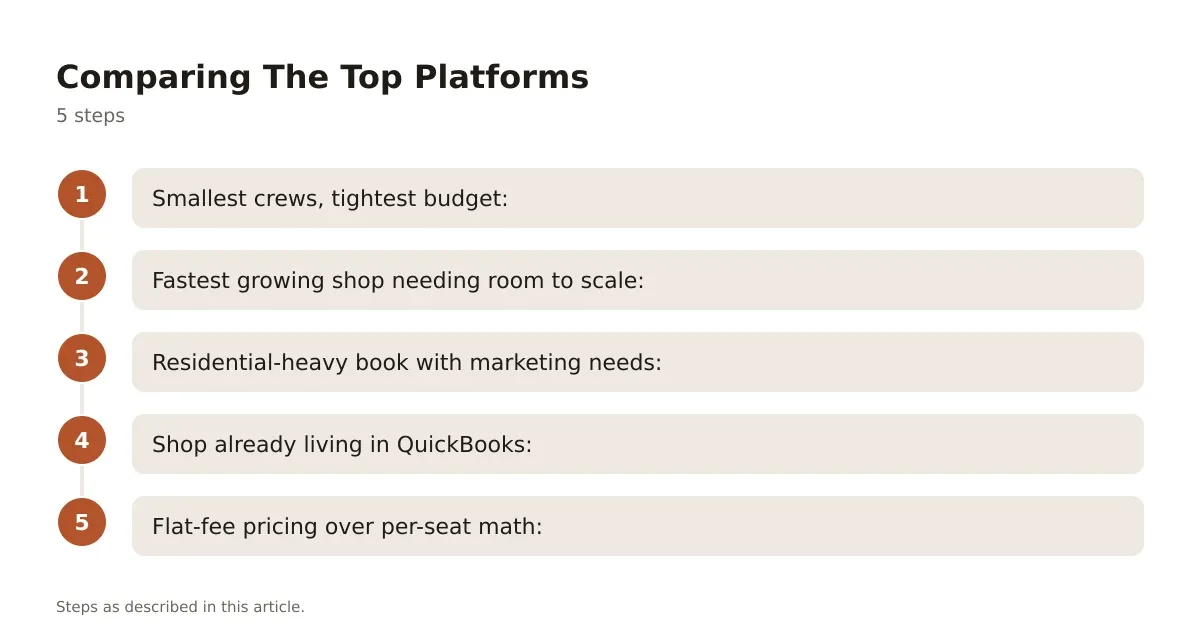
Quick picks, if you don’t want to read five vendor websites:
- Smallest crews, tightest budget: Jobber
- Fastest growing shop needing room to scale: ServiceTitan
- Residential-heavy book with marketing needs: Housecall Pro
- Shop already living in QuickBooks: FieldEdge
- Flat-fee pricing over per-seat math: Service Fusion
Each of these handles the basics. Where they split is integrations, reporting depth, and how much hand-holding you get during setup.
Rolling Out Field Service Dispatch Software Without Losing A Week
Switching systems mid-season is how shops lose techs and customers in the same month. Timing the rollout matters as much as picking the right tool.
Start with a single crew, not the whole fleet. Run that crew on the new dispatch board for two weeks while everyone else stays on the old process. This catches configuration mistakes, like missing service zones or wrong skill tags, before they hit every truck at once.
Data migration is where most rollouts stall. Customer history, service agreements, and equipment records need to move cleanly, and that rarely happens through simple CSV upload. Most vendors offer migration support as part of onboarding. Use it. A shop that skips this step usually spends the first month manually re-entering job history while techs grumble about the new app being “worse” than the old whiteboard. It isn’t worse. It’s just unfamiliar, and that friction fades once dispatchers see tighter routes and fewer double-booked windows.
Making The Call On Field Service Dispatch Software
The dispatch board is the nervous system of a service business. Get it right and your trucks run tighter routes, your first-time fix rate climbs, and your dispatcher stops apologizing for things outside their control.
Get it wrong, or skip it entirely, and you’re stuck relying on gut instinct and a whiteboard that nobody updates in real time. The shops growing past ten trucks almost always made the jump to real dispatch software before they hit that wall, not after.
Start with a free trial on two of the platforms above, run them against your actual call volume for two weeks, and let the data decide. The right field service dispatch software won’t just organize your day. It’ll show you where you’re losing money you didn’t know you were losing.
Frequently asked questions
What is field service dispatch software?
It’s a platform that assigns, tracks, and manages technicians in real time, replacing paper schedules or basic calendar apps. Dispatchers see live truck locations, job status, and tech availability on one screen, then assign work based on proximity, skill, and schedule gaps.
How much does field service dispatch software cost?
Most platforms charge per technician monthly, ranging from under $50 on entry tools like Jobber to custom enterprise pricing on platforms like ServiceTitan. Factor in onboarding and migration costs too, since those often add more to the first-year total than the subscription itself.
Can small HVAC shops benefit from dispatch software, or is it only for large fleets?
Small shops with even two or three trucks see real gains, mostly in reduced drive time and fewer missed windows. Tools like Jobber and Service Fusion suit smaller crews and don’t require the contract commitments larger platforms do.
How long does it take to switch from paper scheduling to dispatch software?
Plan on two to four weeks for a full transition, running old and new systems in parallel. Rolling it out with one crew first, before expanding to the whole fleet, catches configuration issues early and keeps the rest of your team working without disruption.
Does dispatch software actually improve first-time fix rates?
Yes, once you set up accurate skill tagging and job history. Matching the right tech and the right parts to a call on the first trip is what drives fix rates up, and that only works if the software has clean data behind it.
