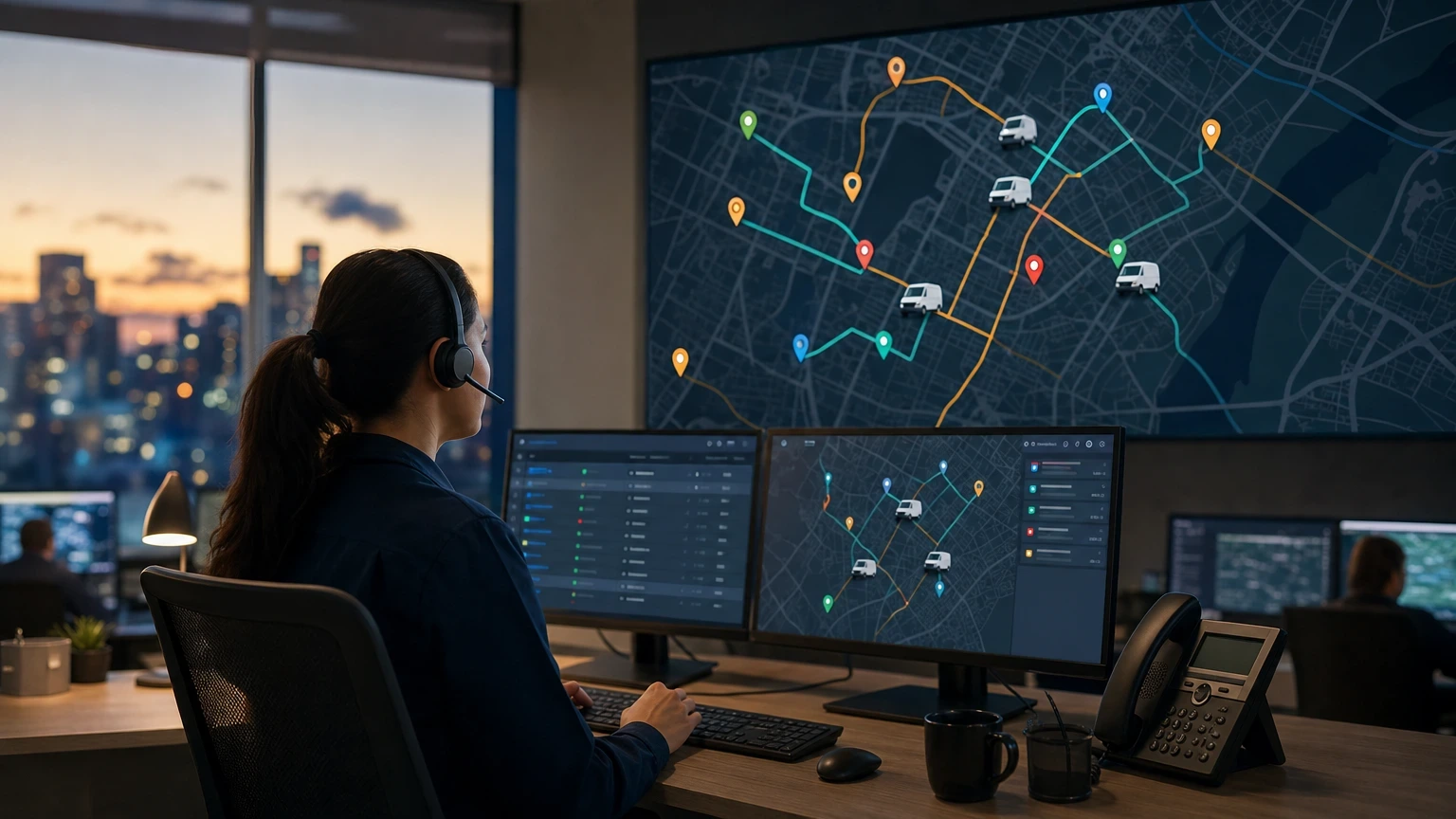
Here’s the claim that’ll get pushback from every dispatcher who’s run a whiteboard for 15 years: your scheduling problem isn’t a people problem. It’s a software problem. Dispatch software fixes what tribal knowledge and sticky notes can’t scale.
I’ve watched a 6-truck HVAC shop cut drive time by 22% just by switching from a paper board to real routing logic. That’s not a fluke. That’s what happens when dispatch software actually gets used instead of just bought.
What Dispatch Software Actually Does on a Busy Day
Dispatch software matches the right tech to the right job based on skill, location, and availability. It’s not just a digital calendar. It’s a decision engine.
Picture a Tuesday in July. Your phone rings at 8:15 with a no-cool call in a neighborhood 20 minutes from your nearest available tech. A good dispatch platform like ServiceTitan or Housecall Pro shows you three techs within a 5-mile radius, flags which one has the EPA 608 cert for the refrigerant type, and estimates drive time using live traffic data.
Without that, your dispatcher is calling around. That’s 8 to 12 minutes lost per assignment, times 20 calls a day. Do the math. You’re bleeding 3 hours of dispatcher time daily on decisions software makes in under 10 seconds.
The outcome that matters: first-time fix rate. Shops running structured dispatch logic report first-time fix rates in the 78-85% range. Shops running gut-feel dispatch usually sit closer to 60-65%. That gap is callbacks, and callbacks eat margin fast.
Routing and Scheduling Logic That Cuts Windshield Time
Windshield time is dead time. Every mile a tech drives without a wrench in hand is a mile that isn’t billed.
A plumbing outfit I consulted with in the Midwest was running 11 techs across a 40-mile service area with zone-based dispatch, basically dividing the map into quadrants and hoping for the best. Average drive time between calls was 34 minutes. After moving to route-optimized dispatch through Jobber, that number dropped to 19 minutes within six weeks.
That’s not magic. It’s the software clustering same-day jobs by geography instead of by call-in order. Fifteen minutes saved per hop, across 6-8 hops a day, per tech, adds up to almost 2 extra billable hours per truck.
Here’s the part contractors miss: scheduling software should also account for job duration history, not just estimated time. If your average water heater install runs 2.5 hours but you’re still booking 90-minute slots, you’re setting every tech up to run late on the next call. The best platforms learn from completed job data and adjust future estimates automatically.
Don’t confuse routing optimization with rigid automation, though. A dispatcher still needs override authority. Software suggests. A human with 10 years of local knowledge should still be able to say “no, that tech doesn’t do commercial rooftop units” and reassign in two clicks.
GPS Tracking, ETAs, and the Customer Communication Layer
Customers don’t want a 4-hour arrival window anymore. They want a text 30 minutes out, the way they get from a food delivery app.
Dispatch software with built-in GPS tracking, like what FieldEdge or ServiceFusion offer, sends automated “on my way” texts with the tech’s real-time location and a photo. One electrical contractor I worked with saw a 31% drop in “where’s my tech” inbound calls after turning this feature on. That’s real phone time given back to the office.
There’s a margin angle here too. Companies that offer live ETA tracking report average review ratings climbing from around 4.2 to 4.6 stars over a year. Reviews drive close rate on new business, especially for HVAC and plumbing where trust before a stranger enters someone’s home is everything.
GPS data also settles disputes. When a customer claims a tech showed up late or never arrived, a timestamped location log ends the argument in 30 seconds instead of a 20-minute back-and-forth.
Job Costing and Margin Tracking Inside the Dispatch Workflow
Most shops track revenue closely and margin loosely. That’s backwards, and it’s usually because job costing lives in a separate spreadsheet from the dispatch board.
Modern dispatch software ties labor hours, parts cost, and drive time directly to each job ticket. When a tech clocks in and out through the mobile app, that data feeds straight into your cost report. No manual entry, no end-of-week reconciliation scramble.
A commercial refrigeration company I know runs average job margins around 34% on service calls but only 18% on installs, information they only discovered after six months of clean data inside Service Fusion. Before that, they were pricing installs like it was still 2020, blind to rising material costs. That single insight let them adjust install pricing by 9% and recover roughly $47,000 in margin over the following year.
If your dispatch software can’t tell you which job types make money and which ones you’re doing as a favor, you’re flying without an instrument panel.
Six Non-Negotiable Features to Check Before You Buy
Not every dispatch tool covers the same ground, and pricing tiers vary wildly. Before you sign a contract, confirm the platform handles these six things without a costly add-on.
- Real-time GPS tracking with automated customer ETA notifications, not just a static map view.
- Drag-and-drop scheduling that updates the tech’s mobile app instantly, no sync delay.
- Skill and certification matching, so gas-line jobs never land with an uncertified tech.
- Job costing integration tied to labor, parts, and drive time on every ticket.
- Offline mode for techs working in basements or rural areas with dead cell coverage.
- QuickBooks or accounting sync, so invoicing doesn’t require double data entry.
Miss even one of these and you’ll end up duct-taping a second tool onto your workflow, which defeats the point of consolidating in the first place.
Comparing the Top Dispatch Platforms for 2026
Pricing shifts often, so treat these as ballpark figures and confirm current rates directly with each vendor before budgeting.
| Platform | Best For | Starting Price | Route Optimization | Job Costing |
|---|---|---|---|---|
| ServiceTitan | Mid-to-large HVAC/plumbing shops | Custom quote, typically $300+/month per user | Yes, advanced | Yes, deep integration |
| Housecall Pro | Small to mid-size field service | Around $69-$189/month | Yes | Basic to mid-level |
| Jobber | Solo operators to 15-tech shops | Around $49-$249/month | Yes | Mid-level |
| ServiceFusion | Budget-conscious multi-trade shops | Around $99-$399/month | Basic | Yes |
| FieldEdge | HVAC-focused, QuickBooks-heavy shops | Custom quote | Yes | Yes, strong |
None of these are wrong choices across the board. They’re wrong for the wrong shop size. A 3-truck HVAC company doesn’t need ServiceTitan’s enterprise dispatch board any more than a 40-truck operation needs Jobber’s simpler scheduling grid. Match the tool to your call volume, not to whatever your competitor is using.
Getting Your Team to Actually Adopt the Software
Buying dispatch software and getting techs to use it correctly are two different projects. The second one is harder, and most owners underestimate it.
Run a 2-week shadow period before full rollout. Have your dispatcher run the old whiteboard and the new software side by side. This catches the gaps, missing zip codes, wrong skill tags, before they cause a missed appointment with a real customer.
Set one metric everyone tracks from day one: on-time arrival rate. If it’s not above 85% within the first month post-launch, something in your setup is wrong, usually job duration estimates that are too tight. Fix that before adding more features.
The techs who resist hardest are usually your veterans, the ones who’ve dispatched themselves mentally for a decade. Give them a say in setup. A tech who helped configure his own skill tags trusts the assignments the software gives him. One who had it forced on him will find reasons to call the office instead of checking the app.
Frequently asked questions
How much does dispatch software cost for a small HVAC company?
Expect to pay between $49 and $250 per month for platforms built for small teams, like Jobber or Housecall Pro. Enterprise platforms like ServiceTitan usually require a custom quote and run higher, often starting around $300 per user monthly once you add modules.
Can dispatch software work without internet access at the job site?
Yes, most established platforms including ServiceFusion and FieldEdge include offline mode. Techs can update job status and notes without signal, and the data syncs automatically once they’re back in coverage.
Do I need separate GPS tracking software or does dispatch software include it?
Nearly every modern dispatch platform bundles GPS tracking into the core product now. Standalone GPS tools were common a decade ago, but paying for two separate systems in 2026 is usually wasted money.
How long does it take to fully switch from paper dispatch to software?
Plan on 4 to 6 weeks for a smooth transition, including a 2-week shadow period. Shops that try to switch overnight tend to see missed appointments and confused techs in the first two weeks.
Will dispatch software actually improve first-time fix rate?
It can, but only if skill and certification data is entered accurately. Shops that properly tag tech certifications and job history typically see first-time fix rates climb from the low 60s into the high 70s or low 80s within a couple of months.