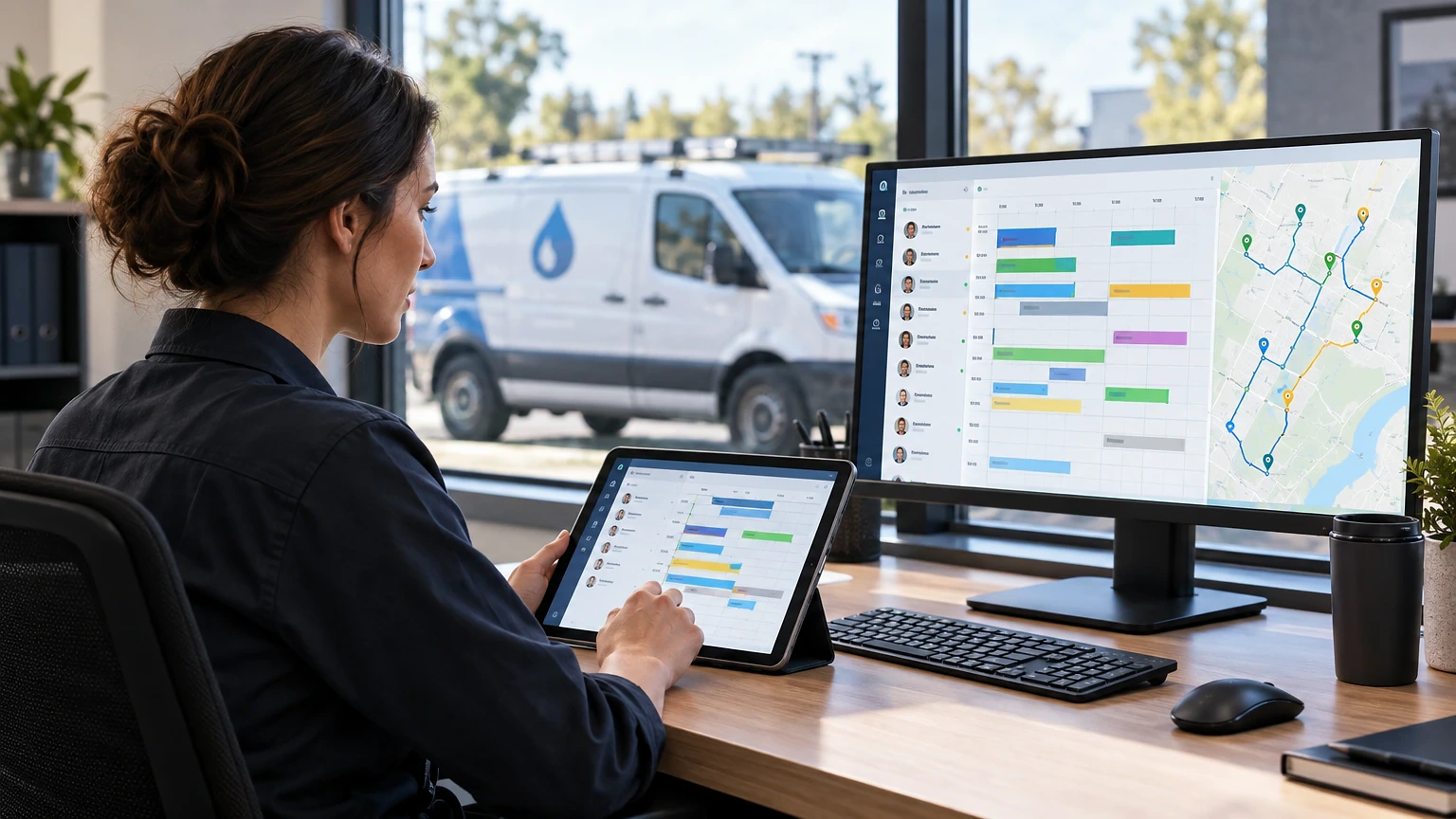
Your dispatcher is juggling three phone lines, a whiteboard, and a text thread with four techs. Somebody double-books a 9 a.m. water heater call. A customer calls asking where their plumber is, and nobody can answer in under five minutes. Plumbing contractor software exists to end that scramble.
That’s not a staffing problem. It’s a software problem. Plumbing contractor software fixes the scheduling chaos, the paper invoices that go missing, and the “what’s our close rate again?” guessing game that eats into margin every single week.
Why Plumbing Shops Outgrow Spreadsheets and Paper Tickets
Most plumbing contractors start with a shared calendar and a stack of carbon-copy invoices. It works fine at two trucks.
At five trucks, it falls apart. Dispatchers can’t see tech locations in real time. Invoices get written in a driveway, then sit in a glovebox for a week before billing ever sees them. Cash flow slows down because nobody’s chasing payment the day the job finishes.
A service call for a slab leak illustrates the gap well. Without software, the office takes the call, writes it on a pad, and texts the nearest tech hoping he’s free. With a dispatch board like the one inside ServiceTitan or Housecall Pro, the call becomes a job card instantly, gets routed by GPS proximity, and the tech gets directions, customer history, and equipment notes before he even calls the customer back.
The real cost of staying manual isn’t obvious until you add it up. Double-bookings, missed callbacks, and invoices that go out three days late all chip away at first-time fix rate and cash flow. Shops that switch usually see dispatch time drop from fifteen minutes a call to under three.
Core Features Every Plumbing Contractor Software Needs
Not every feature matters equally. Some are deal-breakers; others are nice extras you’ll barely touch.
Here’s what actually moves the needle for a plumbing outfit running service and install work:
- Drag-and-drop dispatch board with GPS tracking, so you can see every truck and reroute a tech mid-day when a drain backup call comes in hot.
- Mobile field app that lets techs pull permits, photos, and warranty history on-site, then build the invoice before they leave the driveway.
- Flat-rate pricebook integration, because plumbing margins live and die on consistent, pre-built pricing instead of techs guessing labor hours.
- Payment processing on the spot, through card readers or a tap-to-pay link, so you’re not waiting on checks in the mail.
- Job costing and reporting that breaks down material cost, labor hours, and margin per job, not just per month.
- Customer communication tools, including automated “on my way” texts and review requests sent right after job completion.
Skip any one of these and you’ll feel it. Shops that go live without a pricebook, for instance, keep seeing techs underbid service calls because they’re pricing from memory instead of a built-out flat-rate menu.
Dispatch, Scheduling, and Routing That Cuts Windshield Time
A plumber sitting in traffic between jobs isn’t billing anyone. Routing software exists to kill that dead time.
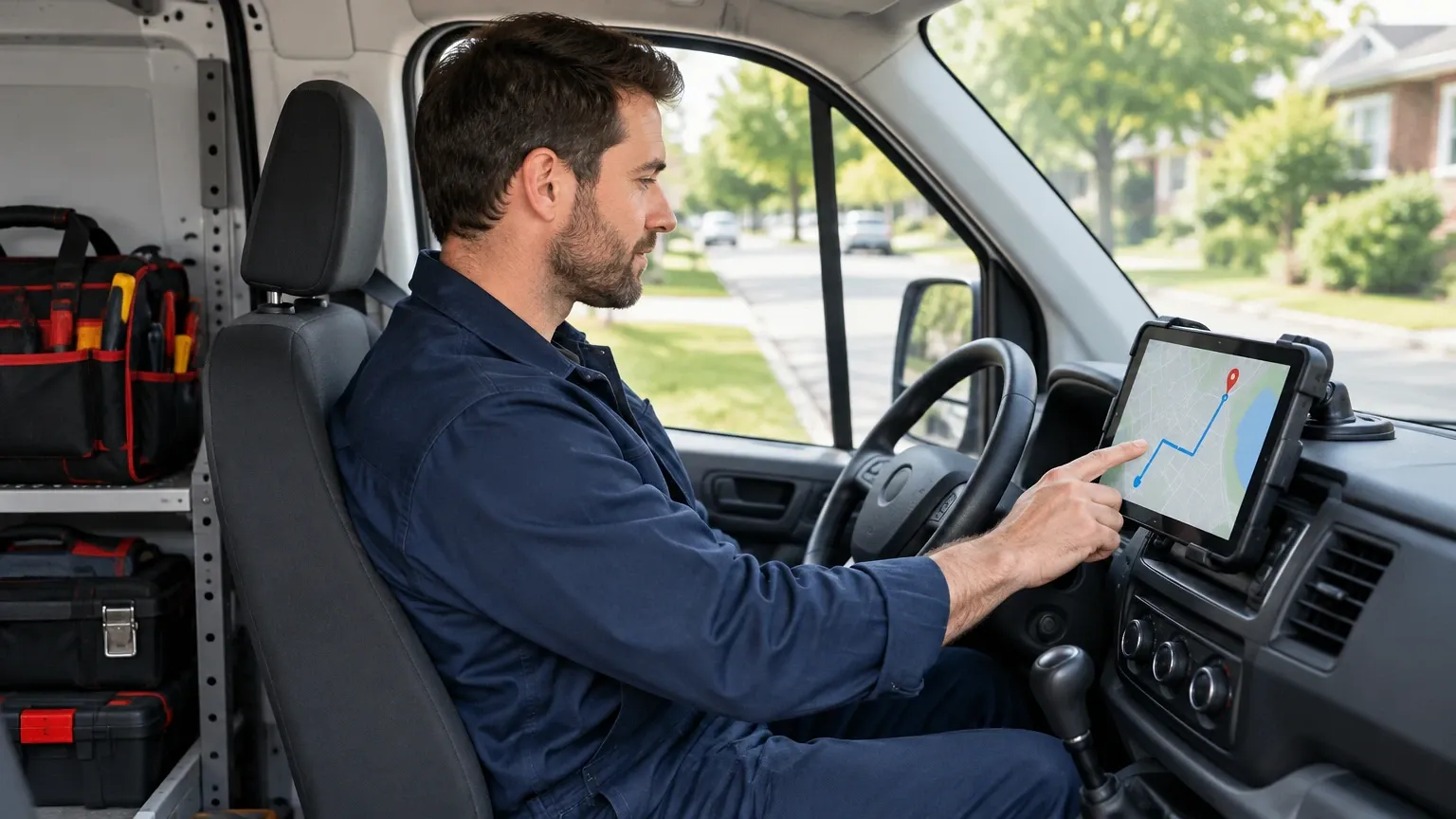
Good dispatch software clusters jobs by zip code and sends the closest available tech, not just the next one in rotation. Service Fusion and ServiceTitan both offer map-based dispatch boards where you drag a job card onto a tech’s timeline and the system flags conflicts automatically.
Think about a Tuesday with six water heater installs scattered across town. Without routing logic, a dispatcher eyeballs addresses and guesses. With routing built in, the system suggests an order that cuts forty minutes of driving across the day. That’s nearly another billable hour recovered, multiplied across every truck, every week.
Same-day and emergency calls need a different lane entirely. Your software should let dispatchers flag “emergency” jobs so they jump the queue without blowing up the whole day’s schedule. Shops with a dedicated on-call tech rotation built into the software see faster emergency response times, often under sixty minutes in metro areas, because the system knows exactly who’s on call without a group text.
Invoicing, Estimates, and Getting Paid Faster
Plumbing invoices get complicated fast. You’ve got material markup, labor, permit fees, and sometimes a trip charge, all needing to land on one clean document the customer trusts.
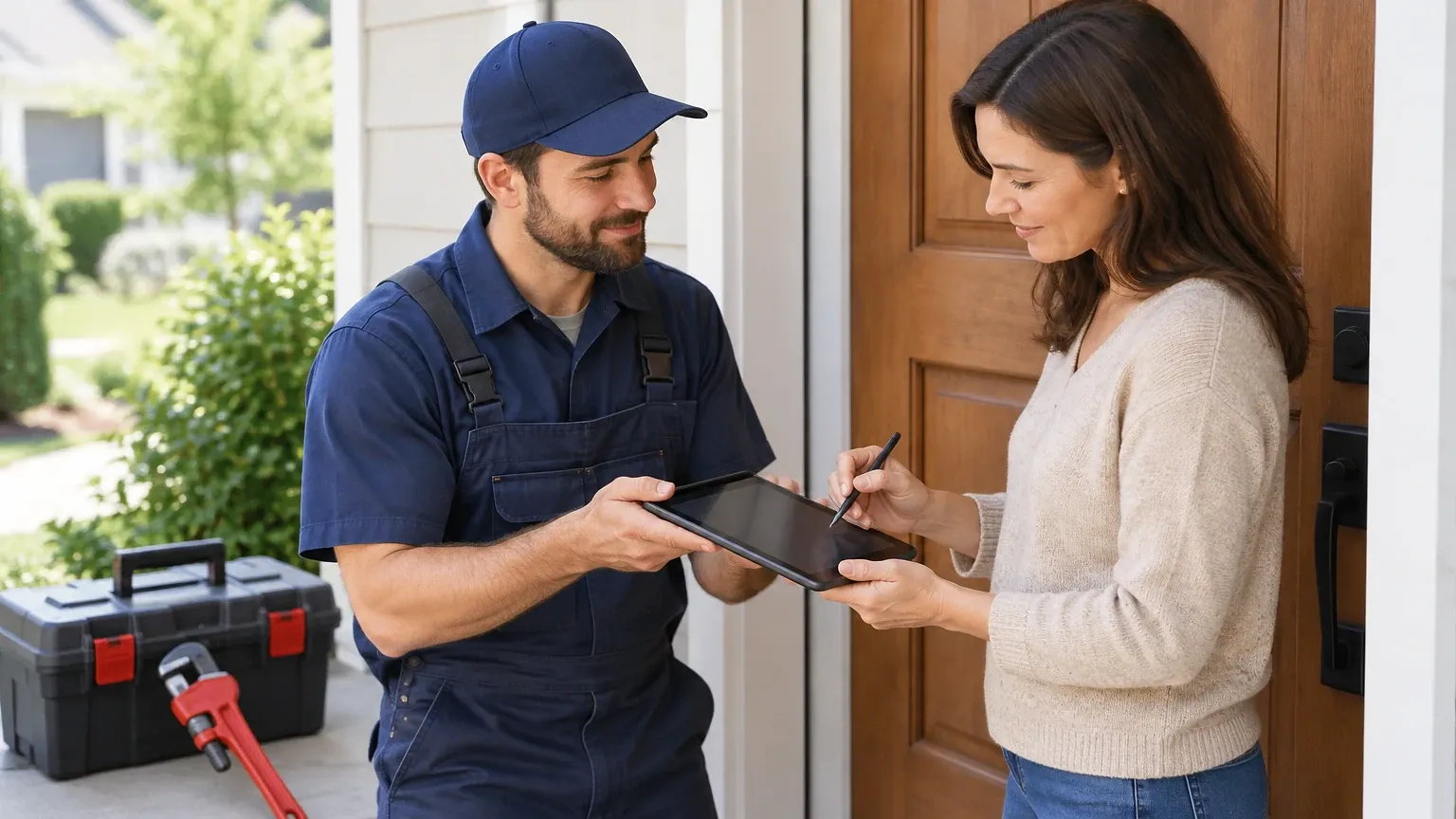
Digital invoicing closes that gap. A tech finishes a sewer line repair, builds the invoice on a tablet using pre-loaded flat-rate codes, and the customer signs with a finger before the truck pulls out. No paper, no re-entry, no lag between job completion and billing.
Estimating works the same way for bigger jobs, like repiping a house. Software such as Jobber lets you build a tiered estimate (good, better, best) on-site, send it by text or email, and get a digital signature back within the hour instead of waiting days for a callback.
Payment speed is where this really pays off. Shops using integrated payment processing, card on file, financing options through providers like Wisetack, get paid same-day on most jobs instead of chasing checks for two or three weeks. That shift alone can cut your average days-to-pay from fifteen down to under three.
Comparing the Top Plumbing Contractor Software Platforms
Picking a platform comes down to shop size, call volume, and how much you need built-in versus bolted-on through integrations. Here’s a rundown of five platforms plumbing contractors actually use, followed by a side-by-side comparison.
1. ServiceTitan
Built for larger plumbing and HVAC operations running ten or more trucks. Deep reporting, built-in marketing attribution, and a pricebook engine that’s hard to beat. Pricing is quote-based and typically runs higher than competitors, which makes it a better fit once you’ve outgrown a simpler tool.
2. Housecall Pro
Strong fit for small to mid-size shops, with flat monthly pricing plans and a cleaner learning curve than ServiceTitan. Includes online booking, automated review requests, and QuickBooks sync.
3. Jobber
Popular with solo operators and small crews scaling into their first few trucks. Simple quoting, routing, and invoicing, plus a client hub where customers can approve estimates and pay online. Pricing is tiered by team size.
4. Service Fusion
Known for unlimited users at a flat price, which matters for shops with a lot of office staff or part-time dispatchers. GPS tracking and VoIP phone integration are built in rather than add-ons.
5. FieldEdge
Geared toward established plumbing and HVAC contractors who want tight QuickBooks integration and dispatch board customization. Reporting is solid but the interface feels dated next to newer tools.
| Platform | Best For | Pricebook | Payment Processing | Mobile App |
|---|---|---|---|---|
| ServiceTitan | 10+ trucks | Built-in, advanced | Yes | Strong |
| Housecall Pro | Small-mid shops | Built-in | Yes | Strong |
| Jobber | Solo/small crews | Add-on | Yes | Good |
| Service Fusion | Flat-fee, many users | Built-in | Yes | Good |
| FieldEdge | Established shops | Built-in | Yes | Moderate |
None of these are wrong choices. The mistake is picking based on brand name instead of matching the tool to your truck count and office workflow.
Reporting, Job Costing, and Margin Visibility
Plumbing margins are thinner than most owners think once you factor in callbacks, warranty work, and material waste. Software that reports job costing in real time is how you catch a bleeding job before it becomes a pattern.
Take a bathroom remodel rough-in that was quoted at a 40% margin. If the software tracks labor hours against the estimate daily, you’ll see by day two if the crew is running behind and the job’s actually tracking closer to 22%. Catch that early, and you can adjust the next similar bid instead of losing money on five more jobs just like it.
Good reporting dashboards break down revenue by technician, by job type, and by lead source. That last one matters more than owners expect. If a shop’s Google Local Services ads are generating calls that convert at 60% while Facebook leads convert at 15%, that’s budget you reallocate immediately, not at year-end.
Weekly reporting rhythms work better than monthly ones. A five-minute Monday morning review of last week’s close rate, average ticket, and tech-by-tech revenue catches problems while they’re still cheap to fix.
Where Plumbing Shops Get Software Rollouts Wrong
Buying the software is the easy part. Rolling it out is where shops stumble.
The biggest mistake is skipping training and expecting techs to figure it out in the field. A plumber trying to build his first invoice on a tablet during a live call, with a customer standing there, is going to botch it and go back to paper out of frustration. Run training sessions in the shop, not on a job site, before go-live.
The second mistake is migrating historical data badly. Customer history, equipment records, and past invoices need to move over clean, or your techs lose the context that makes repeat service calls faster. A tech who can’t see that a water heater was installed eighteen months ago and is still under warranty ends up double-charging a customer, which turns into a refund and an apology call.
The third mistake is going all-in on every feature at once. Roll out dispatch and invoicing first. Add marketing automation and advanced reporting once the office and field crews are comfortable with the basics. Shops that try to flip every switch in week one usually end up reverting to old habits within a month.
Getting Your Shop Set Up for the Long Haul
The right plumbing contractor software isn’t the one with the longest feature list. It’s the one your dispatcher and techs will actually use every day without fighting it.
Start by mapping your current workflow, from the first phone call to the final payment, and find where it breaks down today. That’s usually dispatch, invoicing, or payment collection. Pick software that solves your specific bottleneck first, then grow into the rest of its features over the following few months.
Whatever you choose, give it a real trial period, usually sixty to ninety days, before judging it. Software adoption in the field takes longer than owners expect, and the shops that stick with a rollout plan see the payoff in faster dispatch, cleaner books, and techs who stop carrying paper invoices in their truck door.
Frequently asked questions
What does plumbing contractor software typically cost?
Pricing varies by platform and team size, with most tools charging per user per month rather than a flat shop-wide fee. Some platforms, like Service Fusion, offer unlimited users at a flat rate instead, which can work out cheaper for shops with heavy office staffing. Always ask for a quote based on your actual truck count rather than comparing list prices across providers.
Can plumbing contractor software replace QuickBooks?
No, and it shouldn’t try to. Most plumbing software syncs with QuickBooks Online or QuickBooks Desktop rather than replacing it, pushing invoices and payments over so your bookkeeper isn’t double-entering data. Check sync frequency before buying, since some integrations update in real time and others only sync nightly.
How long does it take to roll out new dispatch software?
A clean rollout usually takes two to four weeks, covering data migration, pricebook setup, and field training. Shops that rush this and skip hands-on tech training tend to see slow adoption and techs reverting to paper. Budget a full billing cycle before expecting the team to be fully comfortable.
Does plumbing contractor software work for a one-truck operation?
Yes, and tools like Jobber are built specifically for solo operators and small crews. Even a one-truck shop benefits from digital invoicing and online payment collection, since it speeds up cash flow without adding office overhead. The bigger platforms like ServiceTitan are usually overkill until you’re running several trucks.
What’s the biggest sign a plumbing shop needs new software?
Missed callbacks and slow invoicing are the two clearest signs. If your dispatcher can’t answer “where’s the tech” in under a minute, or invoices sit for days before going out, that’s lost revenue and a frustrated customer base building up quietly in the background.
Dispatch is one piece of the job; pricing is the other, so pair this with our guide to plumbing estimating software.
