Here’s the uncomfortable truth: most plumbing estimating software doesn’t fix bad margins. It just makes bad pricing faster to deliver. The tool only helps if your underlying cost data is honest.
That said, the right platform still changes everything downstream of the number. Faster quotes, fewer missed line items, better close rates on the bids that matter. This guide breaks down what to look for, what it costs, and which tools actually earn their keep in the field.
Why Spreadsheet Estimating Breaks Down Past a Certain Size
A spreadsheet works fine when one person bids every job. Once you add a second estimator, or a dispatcher who also quotes small jobs, things drift fast.

Labor rates get typed in manually and go stale. Material costs don’t sync with your supplier’s current pricing. Someone forgets to mark up a sub-contracted bore job and eats the cost. You’ve seen it: a $14,000 commercial repipe bid that came in at $11,200 because the fixture rough-in costs were copied from a job bid eight months earlier.
Spreadsheets also don’t track win rates. You can’t tell if you’re losing bids because you’re 20% high or winning jobs at margins too thin to survive a callback. Dedicated estimating software ties bid history to actual job cost, so you see which price points win and which ones bleed you. That feedback loop is the real value, more than the fancy templates.
Core Features That Separate Real Tools From Glorified Templates
Not every “estimating software” label means the same thing. Some are just digital forms. Others connect to your accounting and dispatch stack. Here’s what actually matters on a jobsite:
- Cost database with live material pricing, ideally synced to a distributor feed or updated weekly, not a static list from last year
- Assembly-based estimating, so a “3/4-inch copper water heater swap” pulls fittings, solder, labor hours, and permit cost as one unit instead of line-by-line entry
- Labor rate tiers by technician skill level (apprentice vs. journeyman vs. master) so margins don’t assume everyone bills the same
- Mobile access for field techs to build a quote at the kitchen table, not back at the shop three hours later
- Integration with your accounting platform (QuickBooks is the common one) so a won bid becomes an invoice without re-keying
Missing any of these, and you’re paying for software that still leaves someone doing manual math behind the scenes. That’s where the real fix-rate problem starts, not with the tech, but with the gap it doesn’t close.
Pricing Models and What You’re Actually Paying For
Plumbing estimating tools price three different ways, and mixing them up leads to sticker shock later.
Per-user subscriptions are common for field service platforms. You pay monthly per seat, and the cost scales with your crew size. This model fits companies that want every technician quoting in the field, not just one estimator at a desk.
Flat-fee annual licenses show up more with legacy desktop estimating tools built for larger commercial and industrial contractors. You buy the software outright or pay one annual fee regardless of user count, but updates and database refreshes often cost extra.
Bundled field service suites fold estimating into a broader package with dispatch, invoicing, and CRM. The estimating module is rarely the thing you’re paying for standalone, it’s one piece of a monthly subscription tied to your whole operation. Pricing on these varies by the size of your business and which modules you turn on, so get a quote based on your actual tech count rather than assuming a published starting price applies to you.
Software Comparison: Five Tools Plumbing Contractors Actually Use
Quick picks before the detail:
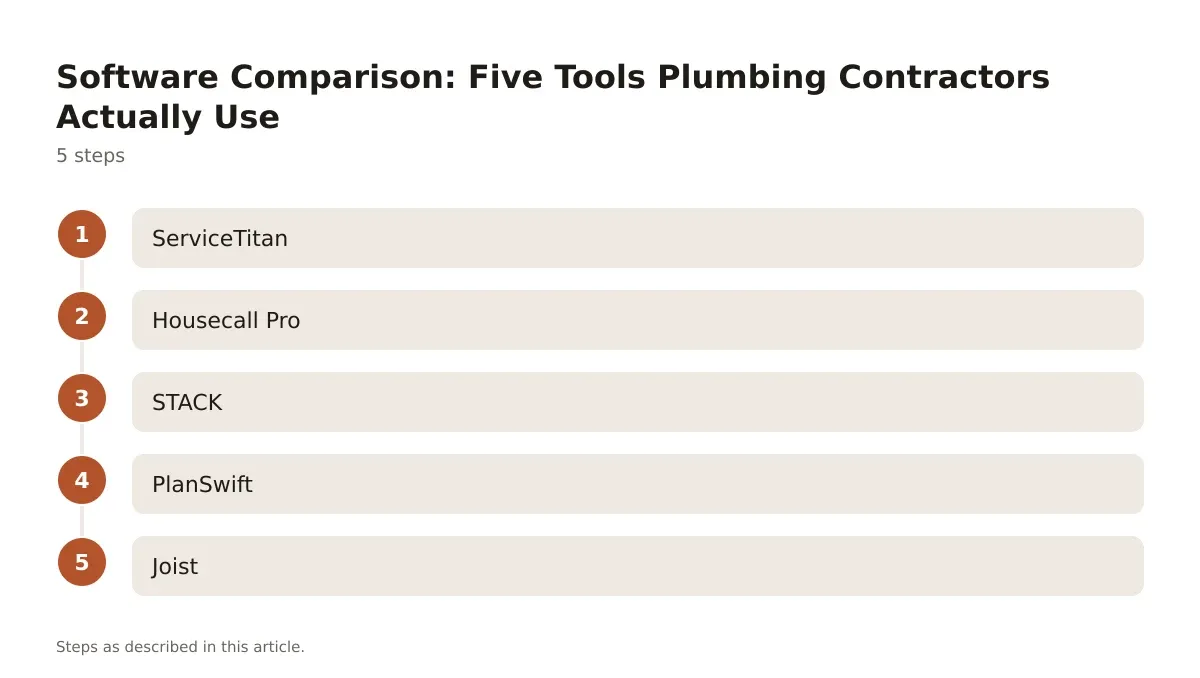
- ServiceTitan for larger residential and commercial plumbing operations already running full dispatch and CRM
- Housecall Pro for small to mid-size plumbing shops wanting estimating bundled with scheduling
- STACK for commercial plumbing contractors doing takeoffs from blueprints
- PlanSwift for contractors who need detailed digital takeoff with manual pricing control
- Joist for small plumbing outfits that want simple estimates and invoices without a steep learning curve
ServiceTitan
ServiceTitan is built for field service at scale. The estimating module ties directly into dispatch, so a technician can build a tiered good-better-best quote on a tablet mid-call and the customer picks an option on the spot. It integrates with QuickBooks and pulls historical job cost data to flag when a bid’s margin looks thin. It’s priced per user on a subscription basis, and it’s overkill for a two-truck operation, but for a 15-plus tech plumbing company it closes the loop between quoting and actual job profitability.
Housecall Pro
Housecall Pro targets smaller plumbing and HVAC shops. Estimating is bundled with scheduling, invoicing, and a customer-facing app. It’s not built for complex commercial takeoffs, but for residential service and replacement work, it’s fast. A tech can text a quote from the driveway and get a digital signature before leaving. Pricing is subscription-based per user, with tiers that open up more automation and reporting as you scale.
STACK
STACK is a takeoff and estimating platform built around reading digital blueprints. Commercial plumbing contractors bidding multi-unit new construction use it to measure pipe runs, count fixtures, and generate material lists directly from PDF drawings. It’s less about field quoting and more about back-office commercial bid prep. Subscription pricing scales with the number of estimators using it, and it pairs well with a separate field service tool for day-to-day service calls.
PlanSwift
PlanSwift is an older but still widely used digital takeoff tool. Plumbing estimators use it to trace pipe lengths and fixture counts off scanned plans, then export quantities into their own pricing spreadsheet or a separate estimating system. It’s a one-time license model historically, though the company has shifted toward subscription options. It’s manual compared to newer integrated platforms, but estimators who like control over their own pricing formulas tend to stick with it.
Joist
Joist is built for small contractors who want estimates and invoices without the overhead of a full field service suite. A solo plumber or a two-person outfit can build a professional-looking quote on a phone between jobs. It doesn’t do commercial takeoffs or complex assembly pricing, and it won’t replace a full estimating database. But for straightforward service and repair work, it covers the basics without a steep subscription.
Where Estimating Accuracy Actually Comes From
Software doesn’t know your actual labor burden unless you tell it. This is the part contractors skip, then blame the tool.
Your fully burdened labor rate includes wages, payroll tax, workers’ comp, vehicle cost, and overhead, not just the hourly wage you pay a journeyman. If you quote off a $38/hour wage instead of a $61/hour fully burdened rate, every single estimate is underpriced before you add a single fitting. Run that math once a year, update it in your software’s labor rate table, and the estimates downstream get honest automatically.
First-time fix rate matters here too. If your crews are running back on 18% of calls for missing parts or wrong diagnoses, your estimating tool needs a callback buffer built into the labor hours, not just a cushion added as a vague contingency line. Shops tracking this well build a 10-15% time buffer into residential service estimates specifically to cover the second trip.
Material markup also needs to reflect real supply-house volatility, not a number picked three years ago. Copper and PVC pricing swings enough that a flat 25% markup from 2023 can quietly erode margin on every repipe bid you write today.
Rolling Out New Estimating Software Without Losing a Season
Switching platforms mid-year is risky if you do it wrong. Here’s the sequence that actually works in the field:
Pick a slow month, not your peak season, to migrate. Plumbing shops that switch systems in July regret it by August when callback volume collides with a learning curve.
Import your existing cost database first, before you touch a single live bid. Garbage data in means garbage estimates out, no matter how good the software is.
Run both systems in parallel for two to three weeks. Have your top estimator build the same bid in the old and new tool, and compare the final number and the time it took.
Train your worst typist first. If the slowest person on your team can build an accurate estimate in under 10 minutes, the system is intuitive enough for the rest of the crew.
Audit the first 20 bids closed in the new system against actual job cost. That’s where you catch a mismatched labor rate or a markup that didn’t carry over correctly.
Getting the Most Out of Your Estimating Platform
The software is only half the equation. The other half is discipline: updating cost data on a schedule, auditing closed jobs against bid numbers, and training every estimator to use the same assemblies instead of building custom line items from scratch every time.
Plumbing contractors who treat estimating software as a living system, not a one-time setup, see the real payoff. Margins stabilize because the data feeding every quote reflects actual current costs, not guesses from last season. Win rates improve too, because pricing becomes consistent instead of varying by whoever happened to build the bid.
If you’re evaluating plumbing estimating software for the first time, start by auditing your current labor rates and markup logic before you shop for a platform. The tool will only be as accurate as the numbers you load into it.
Frequently asked questions
What does plumbing estimating software typically cost?
Most platforms use a per-user monthly subscription, with pricing scaling by crew size and which modules you activate (dispatch, invoicing, reporting). Standalone takeoff tools like PlanSwift have historically used one-time licenses, though many have shifted toward subscriptions. Always get a quote based on your actual user count rather than a published entry-level price, since bundled features change the real monthly cost.
Can plumbing estimating software integrate with QuickBooks?
Yes, most mainstream platforms including ServiceTitan and Housecall Pro integrate directly with QuickBooks, so a won estimate converts into an invoice without manual re-entry. This matters most for shops doing high bid volume, where double data entry is where errors and delays creep in.
Is estimating software worth it for a small plumbing shop with two or three trucks?
For a small crew doing mostly residential service and repair, a lighter tool like Joist or the estimating module in Housecall Pro usually covers it without the cost or complexity of a full field service suite. Commercial takeoff platforms like STACK make more sense once you’re regularly bidding multi-unit new construction work.
How often should I update labor rates and material costs in the software?
Review fully burdened labor rates annually, or sooner if workers’ comp or insurance costs shift. Material costs tied to volatile commodities like copper should get checked monthly against your supply house’s current pricing, since a stale markup number erodes margin on every bid quietly.
Does estimating software improve first-time fix rates?
Not directly, but it helps indirectly by making sure estimates include a realistic time buffer for diagnosis and part availability. Shops that track callback data and feed it back into their labor hour assumptions tend to see estimates that better match the actual time a job takes, which reduces the financial hit from repeat visits.
