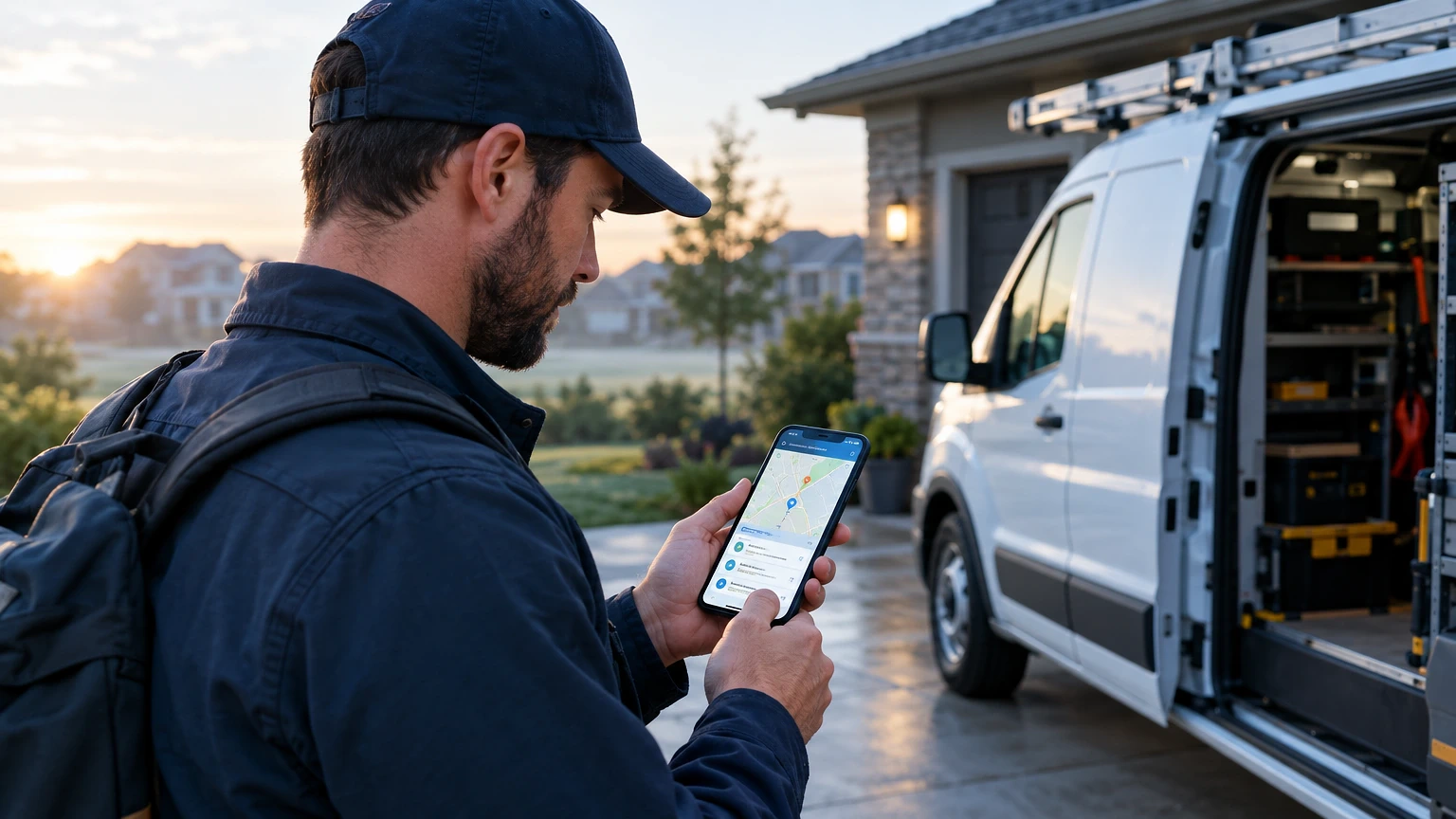
It’s 7:40 AM and your lead tech is sitting in a driveway, calling dispatch because the work order on his phone won’t load the customer’s gate code. Multiply that by six trucks and you’ve lost an hour before the first job even starts. Mobile workforce management software exists to close exactly that gap between the office and the truck.
Mobile workforce management software fixes that gap between the office and the field. It puts schedules, job history, parts data and customer notes on the same screen your techs already carry. The right platform cuts windshield time, raises first-time fix rate, and stops the 6 PM scramble to figure out who’s where.
What Mobile Workforce Management Software Actually Does
At its core, this software connects dispatch to the field in real time. Your dispatcher moves a job on a drag-and-drop board. The tech’s phone updates instantly, no phone call needed.
Good platforms handle four things well: scheduling and dispatch, GPS tracking, mobile work orders, and invoicing. A tech on a condenser replacement should be able to pull the unit’s service history, log refrigerant used, snap a photo of the nameplate, and collect a signature, all without leaving the app.
Where this earns its keep is in reducing duplicate data entry. A dispatcher at a 12-truck HVAC shop shouldn’t retype notes a tech already wrote on a tablet. Platforms like ServiceTitan, Housecall Pro, and Jobber sync that data one time, across every device. If your team is still texting addresses or faxing work orders, you’re paying two people to do one job.
Scheduling and Dispatch Features That Matter in the Field
Drag-and-drop dispatch boards look great in a demo. What matters is how they behave at 2 PM when a no-heat call comes in during a January cold snap.
A strong system shows technician location, current job status, and skill tags on one map view. Dispatch can see that the tech three miles away just finished a filter change and send her to the emergency instead of the next truck in the queue. That’s the difference between a 45-minute response and a two-hour wait, and a two-hour wait on a no-heat call in freezing weather is how you lose the customer for good.
Look for capacity planning, not just a calendar. Systems like ServiceTitan and FieldEdge let you set arrival windows and auto-suggest the best-fit tech based on skill, location, and current load. Without that logic, dispatchers are just guessing, and guessing is how a two-man crew ends up double-booked across town.
If you’re still running a whiteboard or a shared spreadsheet, the jump to real dispatch software is usually the single biggest efficiency gain a shop will make. For a deeper look at how these pieces fit together, this breakdown of mobile workforce management solutions for field service teams walks through the setup in more detail.
Mobile Work Orders and Field Data Capture
Paper work orders die in glove boxes. Digital ones live in the customer’s history forever, searchable the next time that unit fails.
A tech working a commercial rooftop unit should be able to open the asset’s full maintenance log before climbing the ladder. That means knowing the compressor was replaced eighteen months ago, which matters when diagnosing a new vibration complaint. Mobile forms should support photos, signatures, checklists, and barcode or QR scanning for equipment tagged in the field.
The real test is offline function. Rural service areas and basements kill signal constantly. If the app can’t save a completed work order without bars, your tech loses the job notes the moment he walks back to the truck. Platforms like Jobber and Service Fusion cache data locally and sync once connection returns, which is non-negotiable for any crew working parking garages or rural routes.
GPS Tracking, Time Tracking and Accountability
Owners resist GPS tracking because it feels like surveillance. Used right, it’s payroll protection and dispatch accuracy, not a leash.
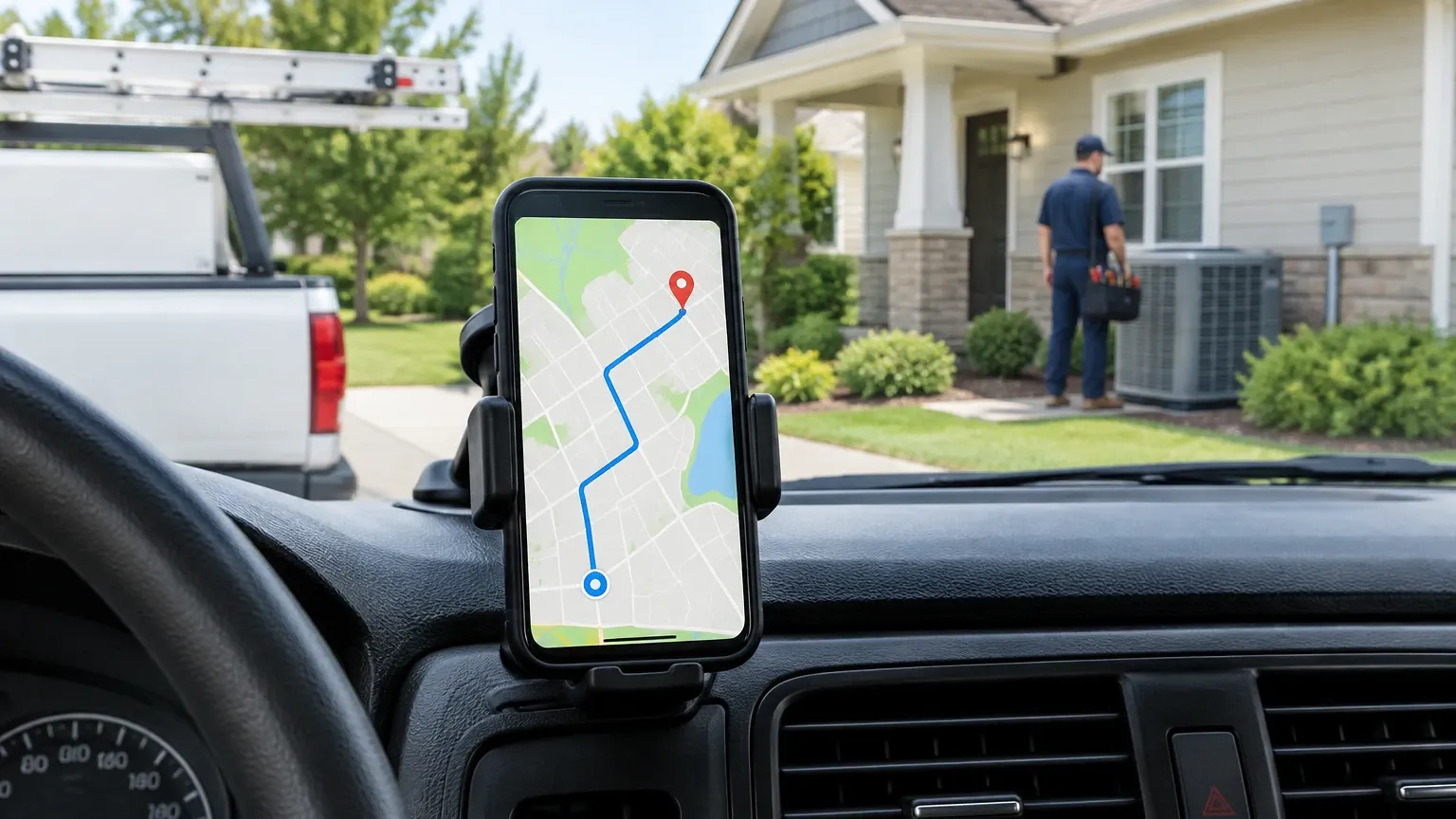
Time tracking tied to GPS stops the guesswork around job costing. If a tech clocks four hours on a drain cleaning that should take ninety minutes, you want to know before you bill the customer flat-rate and eat the labor loss. Systems that log arrival and departure automatically also protect techs from false customer complaints about no-shows, since the timestamp proves otherwise.
Route optimization is the other half of this. A plumbing crew running eight calls a day can lose ninety minutes to bad routing alone. Tools built into ServiceTitan and Verizon Connect reorder stops based on live traffic, which matters more in cities than in open rural territory. Track the number that counts: drive time as a percentage of the paid day. Anything above 25% usually means your routing needs work, not your techs.
Invoicing, Payments and Job Costing on Mobile
The gap between finishing a job and getting paid is where cash flow dies. Mobile invoicing closes it on the spot, truck-side, before the customer walks back inside.
A tech should generate the invoice from the completed work order, not from a separate app. Good systems auto-populate labor, parts, and tax, then let the customer pay by card or ACH right there on the tablet. That alone can shrink receivables from 30+ days down to same-day for a huge share of residential work.
Job costing is the piece owners underuse. If your software tracks labor hours, parts cost, and drive time per job, you can finally see real margin by job type, not just by month. A shop running at 18% net margin on installs but losing money on service calls needs that data to fix pricing, and most won’t find it without the software doing the math automatically. The work order management software a shop chooses directly shapes how clean that costing data turns out.
Six Mobile Workforce Management Platforms Worth Evaluating
Here are six platforms field service and HVAC shops actually use, not just demo well.
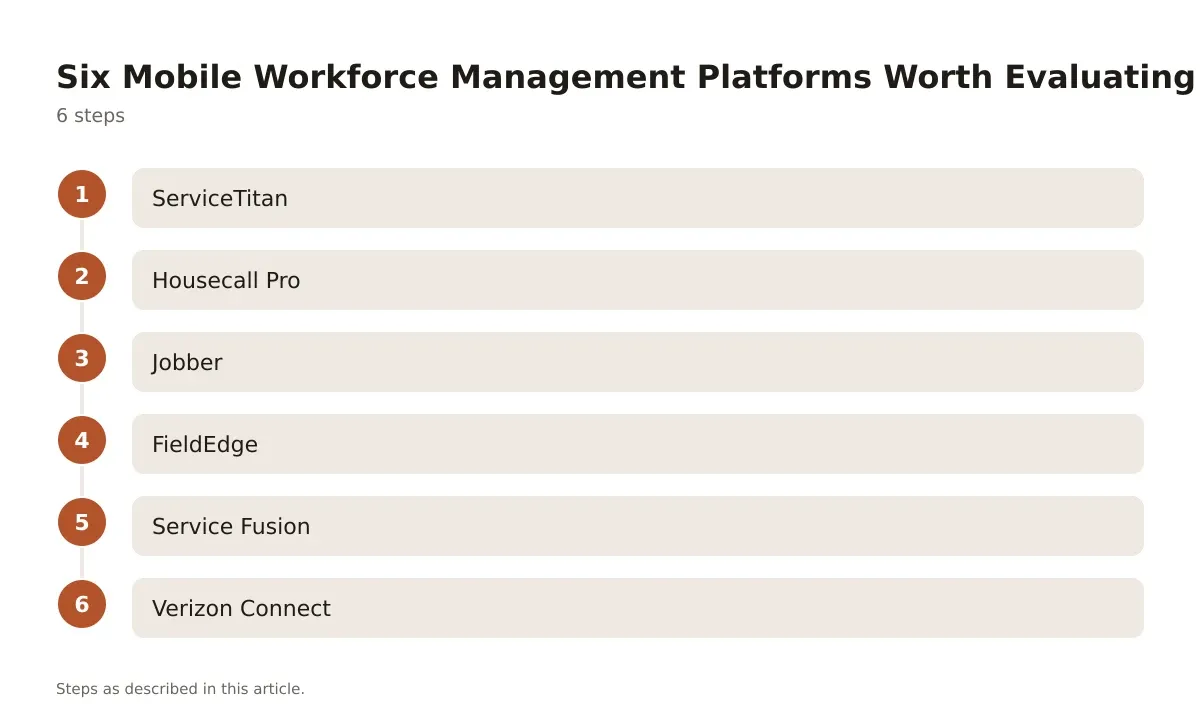
- ServiceTitan – Built for HVAC, plumbing, and electrical contractors running 10+ trucks, with strong dispatch, financing integration, and reporting. Pricing is quote-based and scales with truck count, and the onboarding is heavier than most competitors.
- Housecall Pro – A simpler, lower-friction option for solo operators and small crews, with online booking and automated review requests built in. Monthly subscription pricing, tiered by feature set.
- Jobber – Strong for home service trades that need quoting, scheduling, and client communication in one place, with a clean mobile app techs actually like using. Tiered monthly plans based on team size.
- FieldEdge – Deep QuickBooks integration and strong dispatch board, popular with HVAC and plumbing shops already running Intuit for accounting. Quote-based pricing.
- Service Fusion – Budget-friendly for small to mid-size shops, with solid work order and dispatch tools but a less polished mobile app than the bigger names. Flat monthly pricing by user count.
- Verizon Connect – More of a fleet and GPS tracking specialist than a full field service suite, often paired with a dedicated dispatch platform rather than used alone. Subscription pricing per vehicle.
| Platform | Best For | Offline Mode | Payments Built In |
|---|---|---|---|
| ServiceTitan | Larger HVAC/plumbing fleets | Yes | Yes |
| Housecall Pro | Solo/small crews | Limited | Yes |
| Jobber | Home service trades | Yes | Yes |
| FieldEdge | QuickBooks-heavy shops | Yes | Yes |
| Service Fusion | Budget-conscious small shops | Limited | Yes |
| Verizon Connect | Fleet/GPS tracking only | N/A | No |
Picking from this list isn’t about the biggest name. It’s about matching the feature set to your truck count, trade, and how much you already rely on QuickBooks or another accounting system.
Making the Switch Without Losing a Season
Software rollouts fail when owners try to switch everything the week before peak season. Spring HVAC startup or winter heating emergencies are the worst time to retrain a crew on new software.
Start with a pilot. Run two trucks on the new platform for three weeks while the rest of the fleet stays on the old system or paper. That protects your busiest season from a bad rollout while giving you real data on tech adoption and time savings.
Data migration matters more than people expect. Customer history, equipment records, and pricebooks need to move cleanly, or your techs will distrust the new system from day one. Most platforms offer migration support, but owners should still spot-check a sample of accounts after import, not trust it blindly.
Training works best in short bursts, not one long session. Fifteen minutes on dispatch, fifteen on mobile work orders, a few days apart, sticks better than a two-hour Monday morning meeting nobody remembers by Thursday. For shops weighing whether the switch is worth the disruption at all, this rundown of the benefits of field service management software lays out the case plainly.
Getting the Most From Your Mobile Workforce Platform
Mobile workforce management software only pays off when dispatch, techs, and billing all actually use it the same way, every day. A platform with perfect GPS tracking and a broken invoicing workflow still leaves money on the table.
The shops that get the most out of this software treat the rollout as a process, not a flip of a switch. They pilot small, migrate data carefully, and train in short sessions instead of one overwhelming day. The ones that skip that step usually end up blaming the software for problems that were really adoption problems.
Start by mapping your actual pain points, whether that’s drive time, missed invoicing, or dispatchers flying blind on tech location. Match that list against the platforms above before signing anything, and don’t let a sales demo talk you into features your crew will never touch.
Frequently asked questions
What does mobile workforce management software cost for a small crew?
Pricing varies widely by platform and feature tier, with most small-crew options running as monthly subscriptions priced per user or per truck. Larger suites like ServiceTitan typically move to quote-based pricing once you’re running more than a handful of vehicles. Always ask for a trial period tied to your actual call volume before committing to an annual contract.
How long does it take to roll out new dispatch software?
A focused pilot on two trucks usually takes two to three weeks to validate before a full fleet rollout. Full adoption across a 10-15 truck shop generally takes four to six weeks including data migration and staged training. Rushing this during peak season is the most common reason rollouts stall.
Does mobile workforce management software work without cell signal?
The better platforms, including Jobber and Service Fusion, cache work order data locally and sync once the device reconnects. This matters most for crews working basements, parking structures, or rural routes with weak coverage. Always test offline behavior during a trial before trusting it on a live job.
Can this software replace a dedicated GPS fleet tracking tool?
Most full-suite platforms include basic GPS tracking sufficient for dispatch and route accuracy. Shops running larger fleets sometimes still pair a dedicated tool like Verizon Connect for deeper vehicle diagnostics and fuel tracking. It depends on whether you need fleet maintenance data or just dispatch-level location.
How does mobile workforce management software affect first-time fix rate?
Giving techs full equipment history and parts data on their phone before they arrive cuts down on return trips for missing information or wrong parts. Dispatchers matching the right skill set to the job also reduces mismatched assignments. Shops that track this metric closely tend to see steady gains within the first two or three months of consistent use.
