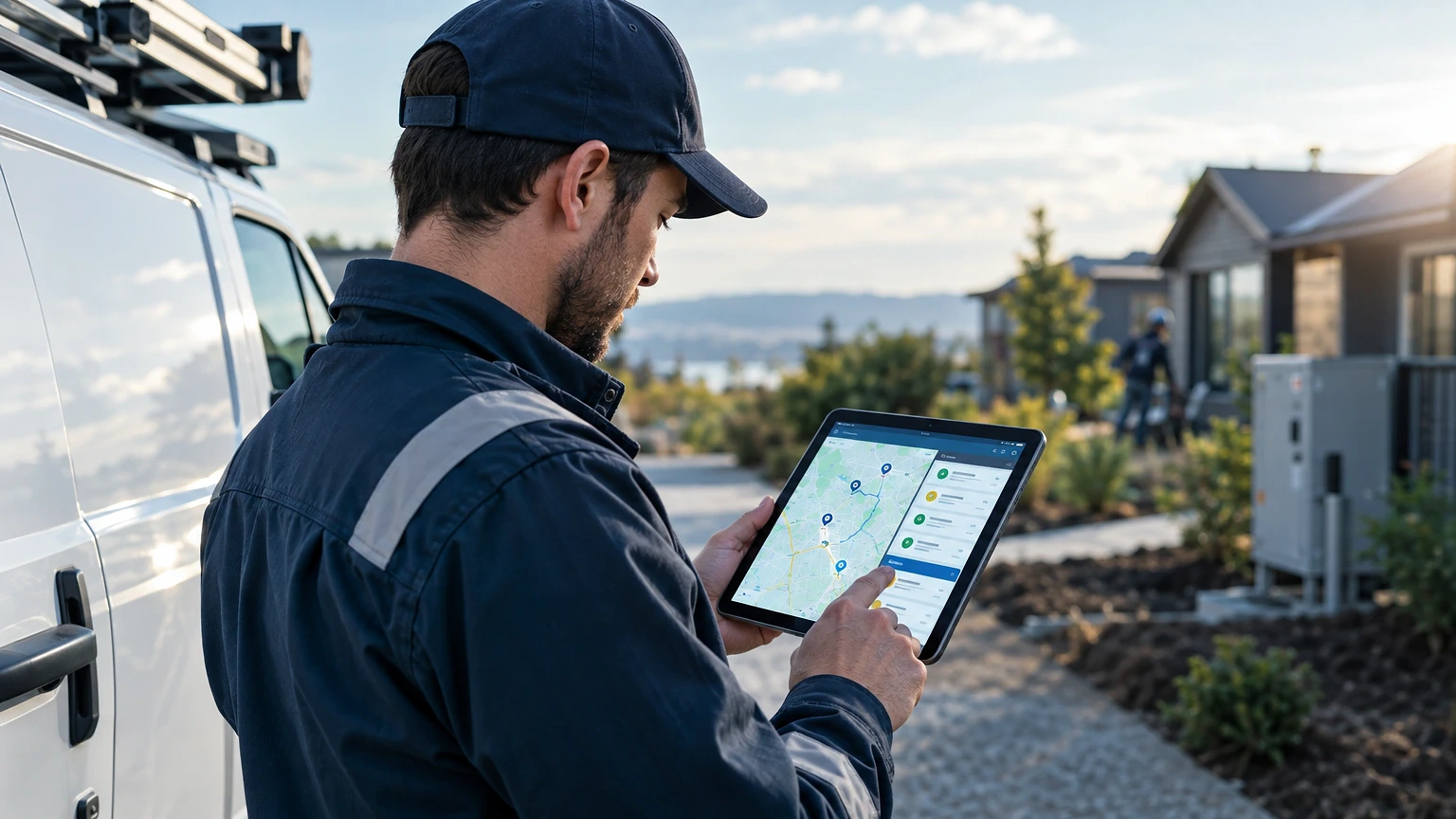
Think your dispatch board and a few group texts count as mobile workforce management? They don’t. Real mobile workforce management solutions track technician location, job status, parts, and labor in one system, and they cut windshield time enough to matter on the P&L.
If you’re still routing jobs by gut feel or a whiteboard photo texted to the crew, you’re bleeding margin. This guide breaks down what these platforms actually do, how to pick between the big players, and what a rollout really costs in time and money.
What Mobile Workforce Management Actually Solves
Dispatchers who run six techs off a shared spreadsheet usually lose track of one thing: real-time status. A tech finishes early at a job site. Nobody knows for twenty minutes. That’s a twenty-minute gap where a same-day call could’ve been slotted in.
Mobile workforce management software closes that gap with GPS-based tracking, digital job cards, and automated status updates pushed straight from the technician’s phone. When a tech marks “en route” in ServiceTitan or Jobber, dispatch sees it instantly, not after a callback.
The real win is first-time fix rate. Techs who show up with the right parts, the full job history, and photos from the last visit close more calls on the first trip. Shops running structured mobile dispatch commonly report first-time fix rates in the 75-85% range, versus paper-based shops that hover closer to 60%. That gap alone pays for software licensing many times over across a 90-day stretch.
Route optimization is the other lever. A plumbing outfit running four trucks across a metro area can lose an hour a day per truck to bad sequencing. Tools with built-in routing, like those in Service Fusion, rebuild the day’s route automatically when a job gets added or cancelled.
Core Features That Separate Real Platforms From Glorified Calendars
Plenty of apps call themselves “workforce management” because they have a calendar and a map pin. That’s not enough for a shop running 15+ jobs a day across multiple crews.
Here’s what actually matters when you’re comparing systems for an HVAC, plumbing, or facilities maintenance operation.
- Live GPS tracking with geofencing. You need to know when a truck enters and exits a job site, automatically, without a tech tapping a button. Geofence triggers also protect you on billing disputes when a customer claims the crew never showed.
- Offline-capable mobile app. Rural service calls and basements kill signal constantly. A tech filling out a work order shouldn’t lose the form because the app needed a live connection. Housecall Pro and ServiceTitan both cache data locally and sync once signal returns.
- Digital work orders with photo and signature capture. Paper work orders get lost, smudged, or left in a truck console for three days. Digital capture ties photos, notes, and customer signatures to the job record permanently.
- Inventory and parts tracking per truck. Knowing which tech has the last 410A condenser coil in stock saves a second trip. Mobile systems that sync van inventory in real time cut “we don’t have the part” callbacks noticeably.
- Automated dispatch and route optimization. The software should suggest the next job based on tech location, skill match, and job priority, not just availability.
- Payment capture in the field. Techs who can run a card or send an invoice link before leaving the driveway get paid faster. Average days-to-pay drops when invoicing happens on-site instead of back at the office.
Where Mobile Workforce Management Features Earn Their Keep
Skip any platform missing more than one of these. You’ll end up bolting on three other apps to cover the gap, and that’s worse than the spreadsheet you started with.
Choosing Between All-In-One Platforms and Modular Stacks
This is the decision that trips up most owners during their first software evaluation. Do you buy one platform that does everything adequately, or stitch together best-in-class tools for each function?
Option A: All-In-One Platform
ServiceTitan, Jobber, and Housecall Pro all sell themselves as end-to-end systems: CRM, dispatch, invoicing, payroll export, and customer communication in a single login.
The upside is onboarding speed. Your office manager learns one interface instead of four. Data doesn’t need to sync between systems because there’s only one system. For a shop with 5-20 techs, that simplicity usually wins.
The downside shows up when you need a feature the platform does poorly. ServiceTitan’s reporting is strong, but some contractors find its mobile app heavier and slower to load on older Android devices than lighter competitors. You’re also locked into one vendor’s release schedule for every feature you depend on.
Option B: Modular Stack
Some larger operations run a dedicated dispatch tool like Service Fusion alongside a separate accounting sync to QuickBooks and a standalone GPS fleet tracker like Samsara.
This route gives you the best tool for each job. Samsara’s vehicle diagnostics and dash cam integration beat anything built into a general field service platform. You can swap one piece without rebuilding your entire tech stack.
The tradeoff is integration risk. Every connection between systems is a place data can break, duplicate, or lag. A dispatcher who has to check two screens to confirm a job status is a dispatcher who’s going to miss something during a busy Monday.
For most shops under 25 techs, Option A wins on time saved. Past that headcount, especially with mixed fleets or multi-state operations, Option B starts paying off because you can tune each piece independently.
Comparing the Leading Mobile Workforce Management Platforms
| Platform | Best For | Mobile App Strength | Pricing Model |
|---|---|---|---|
| ServiceTitan | Mid-to-large HVAC, plumbing, electrical shops | Strong offline mode, heavier app | Quote-based, per-tech licensing |
| Jobber | Small to mid-size service businesses | Fast, lightweight, intuitive | Tiered monthly plans, scales with team size |
| Housecall Pro | Solo operators to small teams | Simple UI, good for less tech-savvy techs | Tiered monthly plans |
| Service Fusion | Shops wanting flat-rate, unlimited users | Decent, less polished than top competitors | Flat monthly rate regardless of user count |
| Samsara | Fleet-heavy operations needing vehicle data | Excellent for driver/vehicle tracking, not a full FSM suite | Quote-based, per-vehicle pricing |
Notice Samsara isn’t a full field service platform. It’s a fleet and asset tracking layer. Plenty of shops run it paired with Jobber or ServiceTitan for the dispatch and invoicing side. Check current pricing directly with each vendor since plans shift with feature tiers and contract length.
Rolling Out New Software Without Losing a Week of Production
Bad rollouts kill good software. A shop that forces every tech onto a new app on a Monday morning, with zero practice runs, loses a day to confusion and a week to grumbling.
Run a pilot with two techs for the first two weeks. Pick your most tech-comfortable person and your most skeptical one. If the skeptic can run a full day of jobs without calling the office for help, the app is ready for the full team.
Build your service catalog and pricing book into the software before go-live, not after. A plumbing company that waited until week three to load flat-rate pricing had techs quoting jobs from memory, which led to undercharging on two large jobs that first month. Load it before day one.
Train on the phone, not the desktop. Techs live in the mobile app, not the office dashboard. A 20-minute hands-on session with real job data beats a 60-minute slideshow every time.
Metrics That Prove Mobile Workforce Management Is Working
Don’t just trust that things feel smoother. Pull the numbers 30 and 90 days after go-live.
Track average response time from dispatch to tech arrival. A drop from 45 minutes to 30 minutes across your service area means your routing logic is working. Track first-time fix rate separately for jobs with full digital history versus ones missing notes, since that gap tells you where documentation habits still need work.
Watch job margin per ticket, not just revenue per ticket. Software that speeds up invoicing but doesn’t reduce drive time or parts runs won’t move your bottom line much. Compare average truck rolls per completed job before and after rollout. A drop from 1.4 rolls per job to 1.1 is a real, bankable improvement, and it shows up directly in fuel and labor cost per ticket.
Making the System Stick With Your Crew
Software fails in the field for one reason more than any other: techs find it slower than the old way, so they route around it. The fix isn’t more training memos. It’s making the mobile workflow genuinely faster than a paper ticket or a phone call to dispatch.
The shops that get the most out of mobile workforce management solutions treat the rollout like a process change, not an IT purchase. They pick a platform that matches their crew size and fleet complexity. They run a real pilot before committing company-wide. Then they hold dispatchers accountable for using the data the system generates, instead of falling back on habit.
Once the system is in daily use, the numbers do the talking. Faster response times, better first-time fix rates, and tighter job margins aren’t abstract benefits. They show up on next month’s P&L, and that’s the only proof that actually matters to an owner signing the software invoice.
Software is only half of it. Mobile workforce management works best when your dispatch rules are already clear, so pair this with our breakdown of field service management software benefits before you shortlist vendors. Teams that fix the process first get far more out of mobile workforce management on day one.
Frequently asked questions
What does mobile workforce management software typically cost for a small HVAC shop?
Pricing varies by vendor and tends to scale with technician count rather than company revenue. Jobber and Housecall Pro use tiered monthly plans that get more expensive as you add users and features, while ServiceTitan and Samsara price per seat or per vehicle through custom quotes. Always confirm current pricing directly with the vendor since tiers and bundled features change.
How long does it take to fully implement a new field service platform?
A focused pilot with two techs usually runs two weeks before full rollout. Loading your service catalog, pricing book, and customer history ahead of time speeds this up considerably. Shops that skip the pilot and go company-wide on day one typically lose a week or more to confusion and workaround habits.
Can mobile workforce management tools work without reliable cell signal?
Yes, if you pick a platform built for it. ServiceTitan and Housecall Pro both cache work orders, photos, and notes locally on the device and sync automatically once signal returns. This matters most for rural routes, basements, and crawl spaces where techs lose connection mid-job.
Do I need separate GPS fleet tracking if my field service software already has location tracking?
It depends on what you need the data for. Built-in location tracking in platforms like Jobber or ServiceTitan is enough for dispatch and arrival confirmation. If you also need vehicle diagnostics, dash cam footage, or fuel usage reporting, a dedicated tool like Samsara adds a layer most field service platforms don’t cover.
How do I know if the software is actually improving efficiency instead of just adding a new app to manage?
Measure it directly instead of going on feel. Compare average response time, first-time fix rate, and truck rolls per job for the 30 days before and after go-live. If those numbers aren’t moving in the right direction within 60 days, the issue is usually adoption or configuration, not the software itself.
