
A tech who drives to the wrong address loses more than gas money. At $85 an hour fully loaded, a single bad dispatch can wipe out the margin on that job. HVAC scheduling software exists to stop that bleed.
Done right, it turns dispatch from guesswork into a routing problem you can actually solve. This guide walks through what to look for, two real platform approaches, a quick-picks list of tools, and how to roll it out without losing a week of bookings.
Why Dispatch Delays Are Quietly Killing Your Margins
Most shops don’t track how much windshield time costs them. They should.

A tech averaging 45 minutes of drive time between calls instead of 20 is losing almost two hours a day. That’s two hours not billed. On a 10-tech crew, that’s a part-time employee’s worth of lost capacity every week, just from bad routing.
Dispatchers working off a whiteboard or a shared spreadsheet can’t see traffic, skill match, or parts availability in real time. So they guess. The result is first-time fix rates that hover around 65-70% instead of the 85%+ that well-routed, well-prepped techs hit consistently.
Scheduling software fixes this by matching job type, tech certification, truck stock, and location before the call ever gets assigned. A residential heat pump replacement doesn’t go to the apprentice three towns over when a certified tech is five minutes away with the right refrigerant on the truck.
What Separates Real Scheduling Tools From Glorified Calendars
A lot of “scheduling software” is just a calendar with a prettier skin. That’s not enough for HVAC work, where parts, licensing, and seasonal volume all collide.
Look for drag-and-drop dispatch boards that show tech location on a live map, not just a list view. ServiceTitan and Housecall Pro both built their dispatch boards around this, and it matters when you’re juggling 40 calls on a 95-degree day.
Capacity planning matters just as much. During a summer heat wave, you need the system to show you’re overbooked before you promise a same-day window you can’t hit. Good software flags conflicts before confirmation, not after the customer’s already waiting.
Skill-based routing is non-negotiable if you run a mixed crew. An EPA 608-certified tech for refrigerant work, a separate routing lane for duct cleaning or indoor air quality calls. Mixing those up is how you end up with a comfort consult tech standing in front of a failed compressor with no gauges.
Option A vs Option B: Standalone Scheduler or Full Field Service Platform
Option A: Standalone Scheduling Tool
A standalone tool like Jobber or Google Calendar paired with a dispatch add-on handles the booking and routing basics. It’s lighter, cheaper to onboard, and usually works fine for a 2-5 truck shop doing mostly residential maintenance and repair.
The tradeoff: you’re often bolting on separate tools for invoicing, inventory, and customer history. That means double entry, and double entry is where dispatch errors creep back in.
Option B: Full Field Service Management Platform
Platforms like ServiceTitan, FieldEdge, or Service Fusion bundle scheduling with dispatch, invoicing, inventory, and technician GPS tracking in one system. For a shop running 8+ trucks across HVAC, plumbing, and electrical, this consolidation pays off fast because every department sees the same job data.
The tradeoff here is price and setup time. Full platforms typically run from the low hundreds to over a thousand dollars a month depending on tech count, and onboarding can take two to four weeks to get technician profiles, price books, and automations configured correctly.
If you’re under five trucks and mostly doing straightforward repair and maintenance work, Option A keeps costs down. Once you’re managing multiple trades or more than six techs, Option B’s unified data usually wins on efficiency alone.
Six Scheduling Platforms Worth Testing This Season
Here’s a quick-picks rundown before the detailed breakdown below.
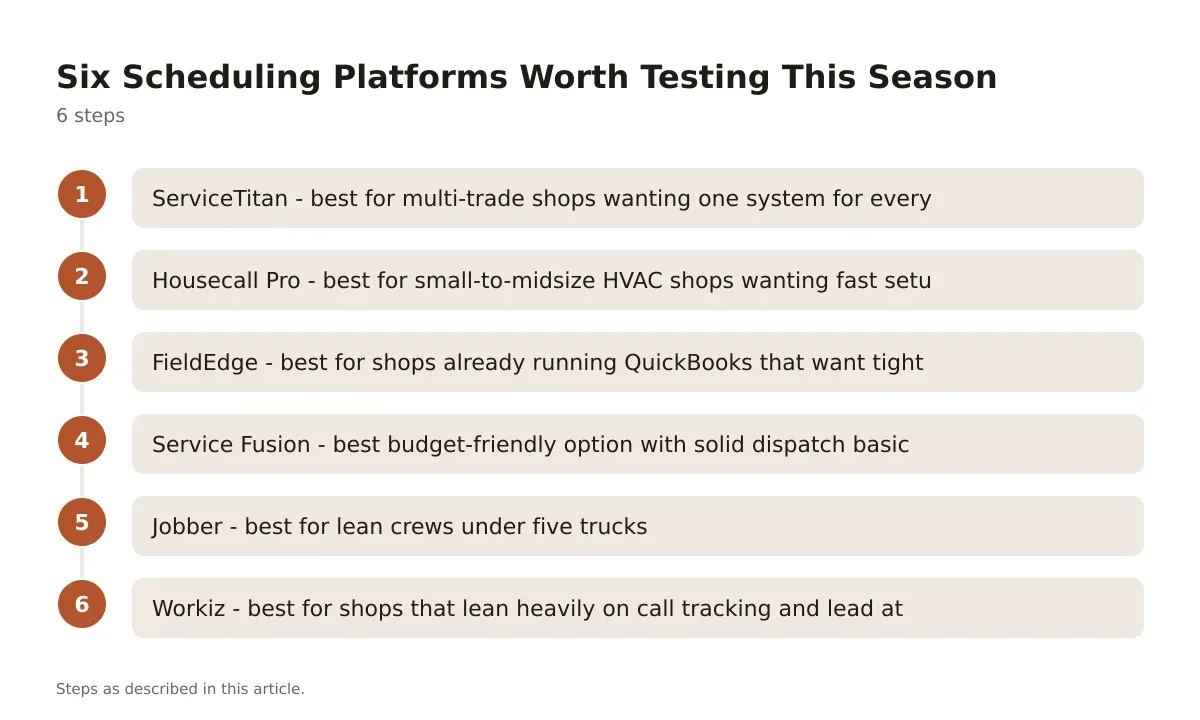
- ServiceTitan – best for multi-trade shops wanting one system for everything
- Housecall Pro – best for small-to-midsize HVAC shops wanting fast setup
- FieldEdge – best for shops already running QuickBooks that want tight accounting sync
- Service Fusion – best budget-friendly option with solid dispatch basics
- Jobber – best for lean crews under five trucks
- Workiz – best for shops that lean heavily on call tracking and lead attribution
ServiceTitan is built specifically for trade businesses, with dispatch boards, pricebook management, and marketing attribution baked in. It’s priced per technician on a quote basis, and most contractors report it’s the most expensive option on this list, but the reporting depth is hard to match for shops doing $2M+ in annual revenue.
Housecall Pro keeps the interface simple enough that a dispatcher can be trained in an afternoon. Scheduling, online booking, and automated review requests come standard, and pricing sits in the mid-range for the industry with tiered plans based on feature access.
FieldEdge leans into accounting integration, syncing cleanly with QuickBooks so your bookkeeper isn’t re-entering invoices. Dispatch is solid but the mobile app has historically lagged behind ServiceTitan’s in day-to-day usability.
Service Fusion positions itself as the budget pick, with flat-rate pricing instead of per-tech fees, which helps growing shops avoid surprise bills as they add trucks. Dispatch and GPS tracking are included, though some advanced automation features found in pricier platforms aren’t there.
Jobber works well for small crews that want clean scheduling, quoting, and invoicing without the overhead of a full enterprise platform. It’s one of the more affordable entry points and plays nicely with QuickBooks Online for accounting sync.
Workiz stands out for call tracking and lead source reporting, which matters if you’re running paid search or radio ads and need to know which channel is actually converting into booked jobs.
Rolling Out New Scheduling Software Without Losing a Week of Bookings
Switching platforms mid-season is risky, but putting it off costs you too. The trick is sequencing the rollout so dispatch never goes dark.
Start by migrating customer history and price books during a slow stretch, not peak summer or the first cold snap of fall. Run the new system in parallel with your old process for one to two weeks. Dispatchers manually cross-check both boards each morning until confidence builds.
Train your most tech-savvy dispatcher first. Let them troubleshoot the rough edges before the whole team touches it. Most platforms, including ServiceTitan and Housecall Pro, offer onboarding specialists who’ll walk through pricebook setup and automation triggers during the first week.
Expect a short dip in dispatch speed during week one. That’s normal. By week three, most shops see faster call-to-dispatch times than before, because the system is doing the matching work a dispatcher used to do manually.
Measuring Whether the Software Actually Paid Off
Don’t just trust that it’s working. Pull the numbers.
Track average drive time per job before and after rollout. A drop from 35 minutes to 18 minutes across a crew of eight techs is a real, measurable capacity gain, worth roughly one extra job per tech per day.
Watch your first-time fix rate. If skill-based routing is working, that number should climb as the right tech shows up with the right parts the first time, instead of a callback two days later.
Check on-time arrival rate too. Customers notice windows that slip by 45 minutes. Good routing with live traffic data keeps that number tight, and tight arrival windows are one of the strongest drivers of repeat business and referrals in this trade.
What a Good Rollout Actually Buys You
The shops that get the most out of HVAC scheduling software aren’t the ones with the fanciest dashboard. They’re the ones that actually use skill-based routing, keep price books current, and hold dispatchers accountable to the numbers the software surfaces.
Software doesn’t fix a bad dispatch process by itself. It just makes a good one faster and a bad one more obvious. If your first-time fix rate and drive times aren’t improving within a month of go-live, the problem usually isn’t the platform, it’s that the price book is incomplete or techs aren’t logging job status in real time.
Pick the tool that matches your truck count and trade mix, not the one with the longest feature list. A five-truck HVAC shop doesn’t need the same system as a 40-truck multi-trade operation, and forcing that fit wastes both money and onboarding time.
Frequently asked questions
What does HVAC scheduling software typically cost?
Pricing varies by platform and tech count. Standalone tools like Jobber start at lower monthly rates aimed at small crews, while full platforms like ServiceTitan and FieldEdge quote per-technician pricing that scales with headcount, so get a quote based on your actual crew size rather than comparing list prices alone.
Can scheduling software integrate with my existing accounting system?
Most major platforms sync with QuickBooks Online or QuickBooks Desktop, and FieldEdge in particular markets itself around tight accounting integration. Confirm whether the sync is two-way (invoices and payments flow both directions) or one-way before you commit, since one-way syncs still require manual reconciliation.
How long does it take to train a dispatcher on new software?
Simple platforms like Housecall Pro can get a dispatcher comfortable within a day or two. Full platforms with pricebook configuration and automation rules, like ServiceTitan, typically take one to two weeks of parallel running before a dispatcher trusts the system over their old whiteboard habits.
Does scheduling software help with seasonal demand spikes?
Yes, if it includes capacity planning and overbooking alerts. The system flags when a day is fully booked before a dispatcher promises a window the crew can’t hit, which matters most during the first heat wave or cold snap when call volume triples overnight.
Is skill-based routing worth it for a small HVAC shop?
If you run even three or four techs with different certifications, skill-based routing cuts down on mismatched dispatches and repeat visits. For a one or two-tech shop where everyone does everything, it matters less, and a simpler standalone scheduler is usually enough.
Scheduling is only half the dispatch problem, so it is worth reading this alongside our guide to field service dispatch software before you shortlist vendors.
