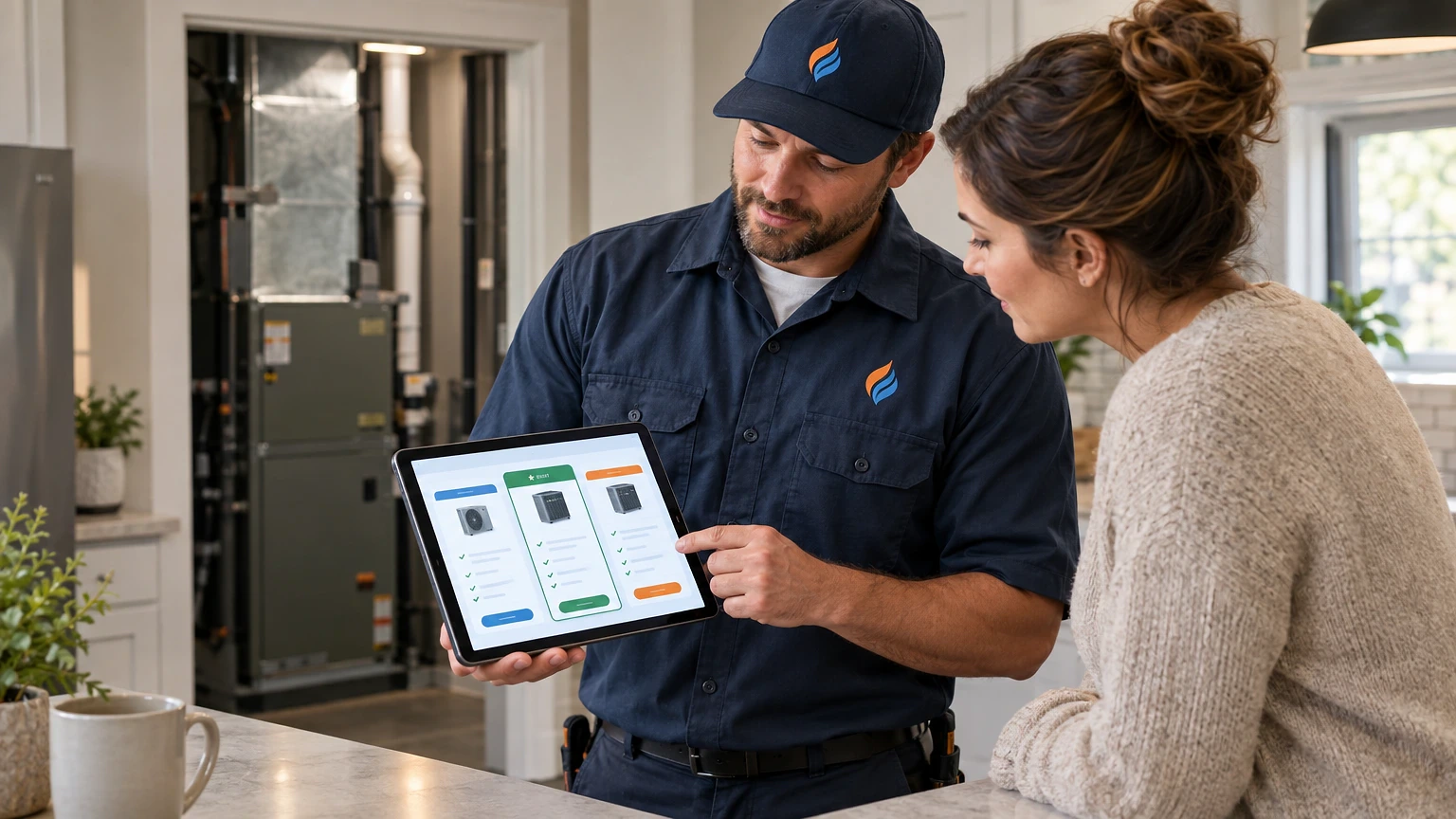
Your tech finishes a diagnostic at 4:45 PM, hand-writes a quote on a carbonless form, and promises to “email the real numbers tomorrow.” By the time that email lands, the homeowner has two other bids and a reason to pick whoever answered first. HVAC proposal software closes that gap.
That’s the real cost of a slow proposal process. HVAC proposal software closes that gap by building branded, financeable quotes on-site, in minutes, with photos and good-better-best options baked in.
Why Paper Quotes Are Killing Your Close Rate
A tech standing in a mechanical room with a clipboard is already behind. Paper quotes mean rewriting the same system specs by hand, guessing at margin on the fly, and hoping the handwriting is legible when the office types it up later.
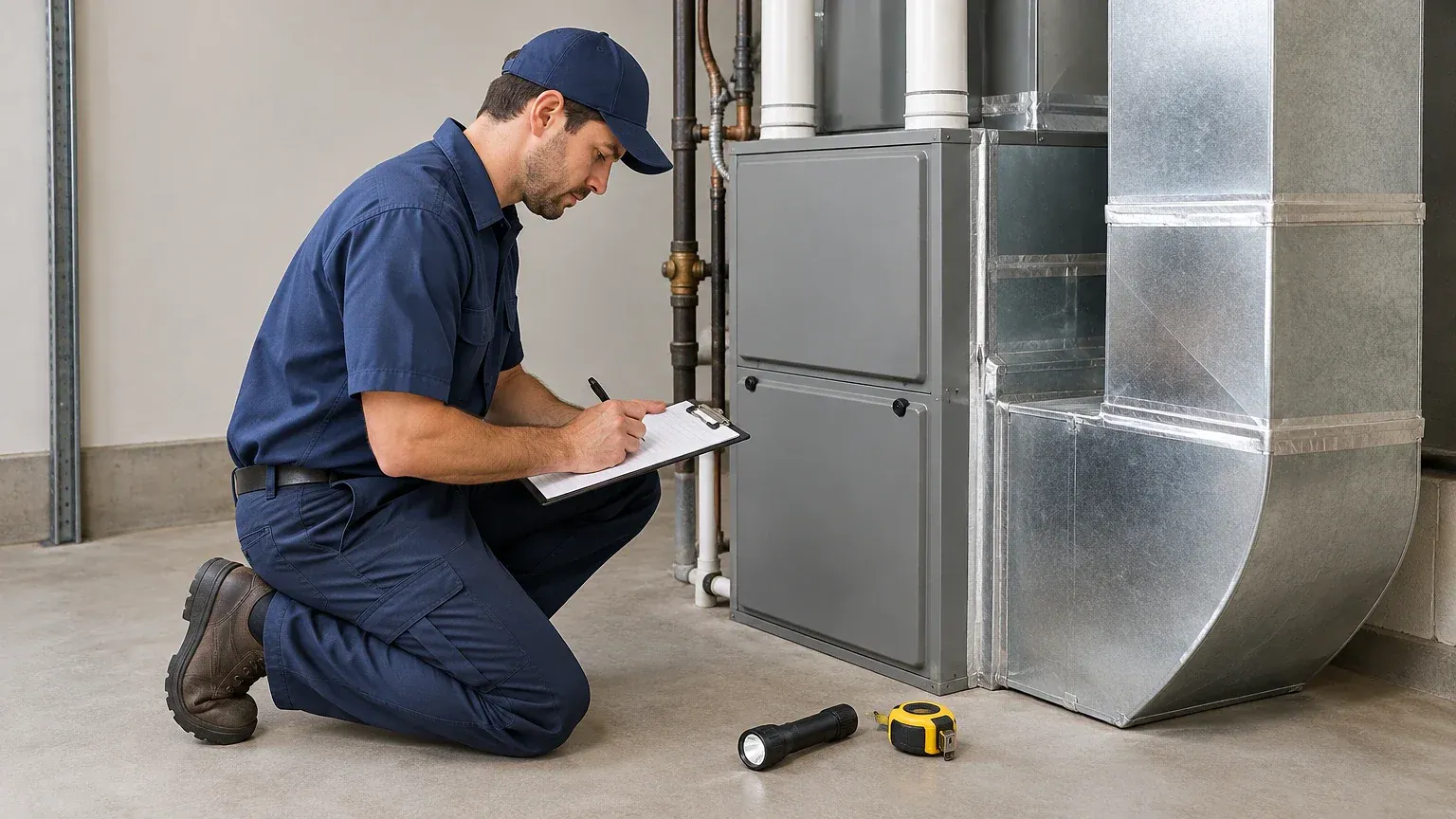
Contractors running proposal software like ServiceTitan or Successware typically present financing options and tiered pricing before they leave the driveway. That single change moves the decision moment from “I’ll think about it” to “let’s do the better option.”
Delay is the enemy here. A homeowner who gets three bids almost always picks the contractor who showed up fastest and made the decision easiest. If your average quote-to-delivery time is measured in days, you’re not competing on value anymore. You’re competing on who called back first.
The fix isn’t more training on how to write faster. It’s removing the handwriting step entirely.
What Actually Belongs in a Digital HVAC Proposal
A good digital proposal isn’t a PDF with your logo slapped on a template. It needs structure that supports an on-the-spot decision.
Every proposal should include the equipment model and SEER2 rating, a load calculation summary (even a rough Manual J reference), labor and material breakdown, and a warranty schedule. Buyers want to see what they’re actually paying for, not just a bottom-line number.
Good-better-best tiering matters more than almost anything else on the page. Contractors who present three financeable options, instead of one take-it-or-leave-it price, consistently see higher average ticket size because the buyer anchors against the top tier instead of the bottom one.
Photos close gaps that words can’t. A shot of a rusted-out condensate pan or a cracked heat exchanger, attached right in the proposal, does more convincing than any sales script. Tools like Housecall Pro let techs snap and attach those photos directly from the job, so the evidence rides along with the price.
Financing integration is no longer optional for ticket sizes above $5,000. If your proposal tool doesn’t plug into a lender like Synchrony or Wisetack, you’re asking homeowners to find their own financing, and many just won’t bother.
How Proposal Software Changes the Sales Call Itself
The tech’s role shifts the moment the quote can be built live. Instead of diagnosing, leaving, and calling back with a number, the conversation stays open.
Picture a service call on a 12-year-old condenser that’s low on refrigerant and short-cycling. The old way: write up a repair estimate, mention replacement “if it keeps acting up,” and leave. The new way: pull up the proposal app, show a repair-only option next to a full system replacement with a 10-year parts warranty, and let the homeowner compare both on the same screen.
That side-by-side view does the selling for you. Homeowners stop treating replacement as a scary unknown and start treating it as one line item among a few clear choices.
Response speed compounds this effect. Crews using mobile proposal tools often generate the full quote in under 10 minutes on-site, versus the half-day-or-more turnaround of an office-built estimate. Faster quotes mean the decision gets made while the problem is still fresh and uncomfortable, which is exactly when homeowners are most ready to spend.
Dispatchers benefit too. When a proposal is built and signed in the field, the job can drop straight into the schedule without a callback loop between tech, office, and customer.
Where HVAC Proposal Platforms Still Fall Short
Not every tool handles every part of the job well, and pretending otherwise sets up bad buying decisions.
- Some platforms handle residential replacement proposals beautifully but have no commercial RTU or VRF templates, leaving light-commercial contractors stuck building custom line items from scratch.
- Offline functionality is inconsistent. A few tools fail to save proposal data in basements or rural areas with no signal, which means lost work if the tech doesn’t manually back it up.
- Integration with accounting software, particularly QuickBooks, ranges from smooth two-way sync to clunky CSV exports that someone has to clean up by hand.
- E-signature and payment capture aren’t universal. Some platforms require a separate app or portal for the homeowner to actually sign and pay, adding friction right at the close.
- Pricebook management is a common weak point. Updating material costs across hundreds of SKUs manually, instead of through a vendor price feed, eats hours every month.
- Customization limits on proposal templates can box in contractors who want their own brand voice instead of a generic layout.
None of these are dealbreakers on their own. But stacking two or three of them against your specific workflow, residential versus commercial, rural versus metro, is how contractors end up paying for software they barely use.
Comparing the Top HVAC Proposal Software Options
Here’s how the major players stack up on the things that actually matter day to day: field usability, financing, and pricebook control.
| Platform | Best For | Financing Built In | Pricebook Tools | Pricing Model |
|---|---|---|---|---|
| ServiceTitan | Mid-to-large residential/commercial shops | Yes | Advanced, vendor-linked | Quote-based, per-tech |
| Housecall Pro | Small-to-mid residential teams | Yes | Basic, manual updates | Tiered monthly subscription |
| Successware | Established shops wanting deep reporting | Limited | Advanced | Quote-based |
| FieldEdge | Residential HVAC with strong dispatch needs | Yes | Moderate | Quote-based, per-user |
| Jobber | Small shops, simple proposal needs | Via add-on | Basic | Tiered monthly subscription |
ServiceTitan
Built for shops running 10 or more trucks who need proposals tied directly into dispatch, payroll, and marketing attribution. The good-better-best presentation tool is genuinely strong, and financing options surface automatically based on ticket size. The tradeoff is cost and onboarding time. This isn’t a same-week setup.
Housecall Pro
A solid fit for smaller residential operations that want proposal building, scheduling, and online booking without a steep learning curve. Photo attachments and e-signature are built in. Where it lags is pricebook depth. You’ll be updating material costs by hand more often than with enterprise tools.
Successware
Known more for back-office reporting and job costing, but its proposal module holds its own for shops that already live in the platform for dispatch. Financing integration is thinner than competitors, so you may need a separate lender portal.
FieldEdge
Strong dispatch-to-proposal flow, particularly for residential replacement sales. Techs can build and present financeable options from the truck with minimal typing. Commercial templates are less developed, so light-commercial shops may hit limits.
Jobber
A lighter-weight option that covers the basics, scheduling, invoicing, and simple proposals, well for small teams. Financing requires a third-party add-on, and the pricebook tools are the most basic of this group. Fine for a two-truck operation, tight for anyone scaling past that.
Rolling Out Proposal Software Without Losing a Week of Billable Time
Switching tools mid-season is how shops talk themselves out of ever making the change. It doesn’t have to cost you billable hours if you sequence it right.
Start with the pricebook. Load your top 20 most-quoted jobs first, not your entire catalog. A tech doesn’t need 400 SKUs loaded on day one; he needs the heat pump replacement and the furnace tune-up templates that cover 80% of calls.
Run a two-week overlap. Keep paper or your old process available as backup while techs get comfortable building live quotes on tablets. Most crews hit a workable pace within the first week, with full confidence by week three.
Train on the phone screen, not in a classroom. Have each tech build one real, live proposal during a ride-along or shadow call rather than sitting through a slideshow. The muscle memory for tapping through good-better-best options sticks faster when it’s tied to an actual customer conversation.
Watch your average ticket and close rate for the first 60 days. If tiered pricing is working, average job value typically climbs because more customers choose the middle or top option instead of the cheapest repair. If it’s not moving, the problem is usually tier design, not the software.
Getting Your Team to Actually Use the Software
The best HVAC proposal software in the world fails if techs quietly revert to paper after week two. Adoption, not features, is what determines ROI.
Tie proposal completion to pay structure where you can. Shops that build a small spiff into the compensation plan for proposals built and sent through the app, versus handwritten, see adoption climb fast because the incentive is immediate and personal.
Keep the tier structure simple. Three options, clearly labeled, with the middle one framed as the recommended choice. Overcomplicating the proposal with five tiers or a dozen add-ons slows the tech down and confuses the customer, which kills the close instead of helping it.
Review proposals weekly, not just closed deals. Pull up a few sent-but-not-signed quotes with your service manager and figure out whether the hesitation was price, timing, or a proposal that didn’t explain the equipment clearly enough.
The goal isn’t just digitizing paperwork. It’s giving every tech on your team the same selling tools your best closer already uses instinctively.
HVAC proposal software earns its keep by shrinking the gap between diagnosis and decision. Paper quotes, callback loops, and handwritten estimates all add friction at the exact moment a homeowner is most ready to say yes. The contractors winning more replacement jobs right now aren’t necessarily better salespeople. They’re just faster, clearer, and easier to say yes to.
Pick a platform that matches your job mix, residential or commercial, your crew size, and your financing needs, rather than chasing the one with the longest feature list. Run the 60-day pricebook-and-ticket check described above before deciding it’s working or not. Software pricing and feature sets change often enough that it’s worth checking current plans directly with each vendor before signing a contract.
Frequently asked questions
What does HVAC proposal software actually cost?
Pricing models vary by vendor: some charge per technician or per user monthly, others quote based on company size and modules needed. Smaller platforms like Jobber and Housecall Pro use tiered monthly subscriptions, while enterprise tools like ServiceTitan typically quote custom pricing based on truck count and features. Confirm current pricing directly with each vendor since plans change.
Can proposal software replace a full Manual J load calculation?
No. Proposal software presents and formats your numbers, but it doesn’t replace proper load calculation tools like Wrightsoft or Cool Calc. Most platforms let you attach or reference a completed load calc summary within the proposal, which is good practice for larger replacement jobs.
Does financing integration slow down the signing process?
Not when it’s built into the platform rather than bolted on. Tools with native lender integration, like options tied to Wisetack or Synchrony, let homeowners apply and get approved within the same session as signing the proposal. Third-party add-ons that require leaving the app tend to add friction and lose some deals at that exact step.
How long does it take a crew to get comfortable with new proposal software?
Most techs reach a workable pace within the first week of live use, especially if training happens on real calls rather than in a classroom setting. Full comfort, including building tiered options quickly under time pressure, usually takes about three weeks of regular use.
Is proposal software worth it for a small two- or three-truck shop?
Yes, with the right tool sized to match. A small shop doesn’t need enterprise dispatch integration, but lightweight options like Jobber or Housecall Pro still deliver faster quote turnaround and professional-looking proposals that help a small operation compete against bigger regional players on responsiveness alone.
A proposal is only as good as the numbers behind it, so read this next to our guide on HVAC estimating software.
