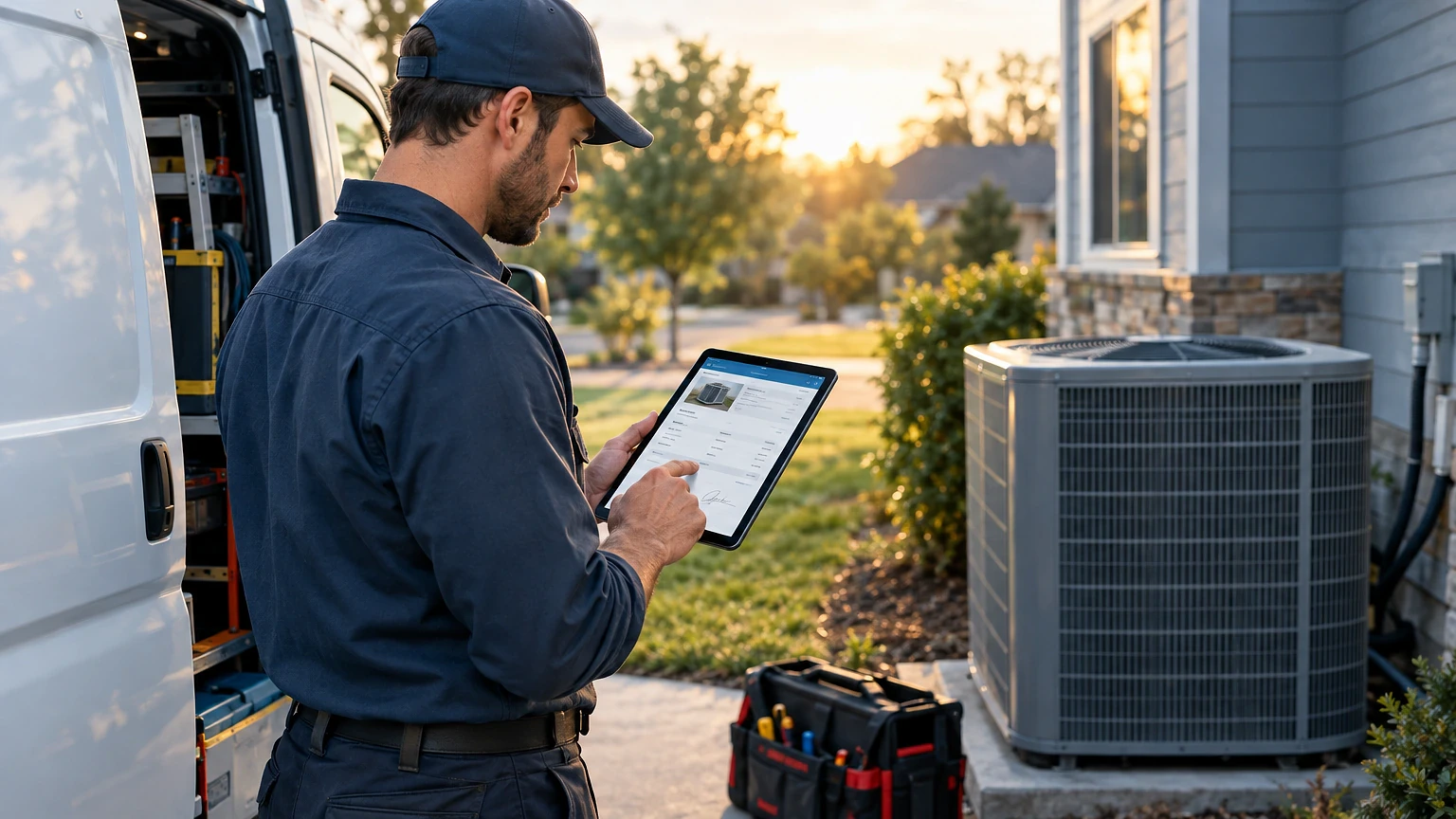
A tech who hand-writes invoices at the curb takes nine to twelve minutes per ticket. HVAC invoice software cuts that to under three. That gap, multiplied across a four-truck crew doing six calls a day, is the difference between getting paid this week or chasing checks for a month.
HVAC invoice software fixes the slow part of the job: billing, payment collection, and the paperwork that sits between a finished repair and cash in the bank. The right tool also feeds your books, tracks job margins, and keeps your techs out of the glovebox looking for a carbon-copy pad.
Why Paper Invoices Are Killing Your Cash Flow
Paper tickets get lost. They sit on a dashboard for two days, then land on the office manager’s desk for data entry, then go out in the mail. By the time a customer sees an invoice, the job is a memory and the dispute rate climbs.

Compare that to a tech closing a condenser replacement at 4:40 PM and emailing an invoice before he’s back in the truck. The customer pays by card on the spot, or within the hour from a text link. Shops running this way report that a majority of residential tickets get collected same-day, compared to only a small fraction with paper and mail.
The other cost is accuracy. A handwritten invoice for a refrigerant top-off might list “R-410A, 2 lbs” with no unit price, no EPA tracking reference, and no technician signature. When that job gets audited or a customer disputes the charge, you’ve got nothing. Software like ServiceTitan or Housecall Pro timestamps the job, logs the tech, and attaches photos automatically.
Margin visibility disappears on paper too. You can’t tell which jobs made 50% gross margin and which ones bled money on windshield time until someone manually reconciles a stack of tickets at month end. That’s usually too late to fix the pricing.
Must-Have Features For HVAC Billing
Not every invoicing app is built for field service. A lot of general small-business tools assume you’re billing from a desk, not a rooftop unit in July. Here’s what actually matters for HVAC work.
Flat-rate pricebook integration tops the list. When a tech quotes a job, the price should pull from a pre-built menu of flat-rate tasks, not get typed from memory. This keeps a $450 capacitor swap from accidentally going out the door at $280 because a tech undersold it.
Mobile capture matters just as much. A tech should be able to photograph the failed part, attach it to the invoice, and get a signature on a phone screen before leaving the driveway. Jobber and Housecall Pro both do this well, with offline mode for basements and rural service areas with no signal.
Payment processing built into the invoice closes the loop. If a customer has to wait for a mailed invoice and write a check, your days-sales-outstanding stretches past 30 days. Built-in card and ACH processing, with a “pay now” button on the emailed invoice, routinely gets that down to same-day or next-day.
Tax and compliance tracking rounds it out. HVAC invoices need line items for labor, parts, refrigerant (with EPA-compliant documentation under the EPA’s Section 608 program), and any disposal fees. Software that auto-calculates sales tax by jurisdiction saves your bookkeeper hours every month, especially if you service multiple counties with different rates.
Quick Picks: Best HVAC Invoice Software
Here are five platforms worth your trial period, based on feature depth and how they handle field invoicing specifically.
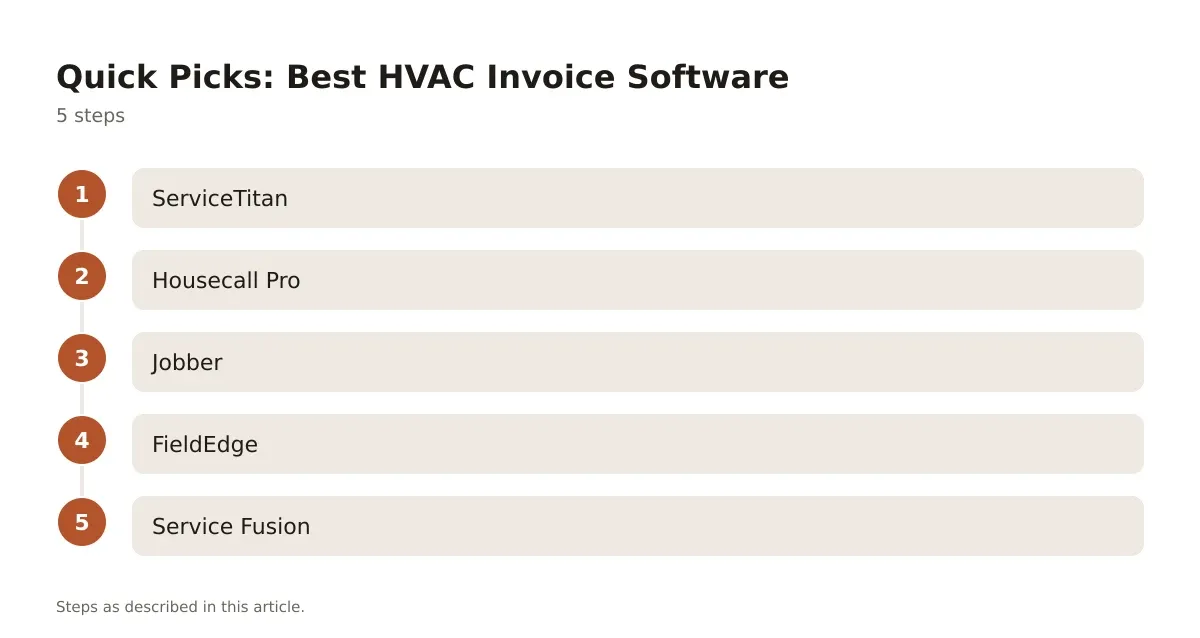
- ServiceTitan – best for larger HVAC shops running 10+ trucks with dispatch, marketing, and financing needs.
- Housecall Pro – best value for small to mid-size residential HVAC operations.
- Jobber – best for multi-trade shops that do HVAC alongside plumbing or electrical.
- FieldEdge – best for HVAC-specific workflows with deep QuickBooks sync.
- Service Fusion – best budget option for shops under five trucks.
Comparing The Top Platforms
Pricing models vary a lot here, and some vendors quote per-user while others quote flat per-company rates. Here’s how the core features stack up.
| Platform | Best For | Invoicing Features | Payment Processing | Pricing Model |
|---|---|---|---|---|
| ServiceTitan | Large multi-truck shops | Flat-rate pricebook, photo attachments, auto-tax | Built-in, financing options | Quote-based, per-tech |
| Housecall Pro | Small-mid residential | Mobile invoicing, estimate-to-invoice conversion | Built-in card/ACH | Tiered monthly plans |
| Jobber | Multi-trade contractors | Custom invoice templates, recurring billing | Built-in, QuickBooks sync | Tiered monthly plans |
| FieldEdge | HVAC-specific shops | Flat-rate book, maintenance agreements | Built-in | Quote-based |
| Service Fusion | Budget-conscious small shops | Basic invoicing, batch billing | Third-party integration | Flat monthly, unlimited users |
Service Fusion’s flat per-company pricing (not per-seat) makes it attractive if you’ve got a big crew and a tight software budget. ServiceTitan sits at the other end: deep features, but it’s built for shops that can absorb a higher monthly cost and a longer onboarding.
ServiceTitan vs FieldEdge vs Housecall Pro: Picking by Shop Size
A two-truck residential shop doesn’t need what a 40-truck commercial HVAC company needs, and buying the wrong tier wastes months of onboarding time.
ServiceTitan makes sense once you’re running dispatch boards with six or more techs and need marketing attribution tied to invoicing data (which tech, which ad campaign, which job type converts best). The tradeoff is setup time. Expect two to four weeks of configuration before your team is fully live, and a dedicated admin to manage the pricebook.
FieldEdge leans HVAC-specific in a way the generalist tools don’t. It handles maintenance agreements and recurring tune-up billing cleanly, which matters if 30% of your revenue comes from service contracts rather than one-off repairs. Its QuickBooks Desktop sync is also tighter than most competitors, which matters if your bookkeeper refuses to leave Desktop for Online.
Housecall Pro is the fastest to deploy. A solo operator or two-truck shop can be invoicing from a phone within a day of signing up, with no dedicated IT support needed. It won’t out-feature ServiceTitan on enterprise reporting, but for a shop doing 15-20 calls a week, that reporting depth isn’t the bottleneck anyway.
The real test: pull up your last 20 invoices. If half of them came from recurring maintenance contracts, weight toward FieldEdge. If you’re mostly one-off repair and replacement work on a small crew, Housecall Pro gets you live faster for less money.
Getting Your Team To Actually Use It
The best software in the world fails if your techs keep a paper pad “just in case.” Rollout matters as much as the tool itself.
Start with one truck. Pick your most tech-savvy installer, not your newest hire, and run them on the new system for two weeks before touching the rest of the fleet. You’ll catch pricebook gaps and workflow friction before it becomes a team-wide complaint.
Build the flat-rate pricebook before go-live, not after. A tech staring at a blank price field on a customer’s porch will either guess low or call the office, and both outcomes slow the job down. Load at least your top 50 most common repairs with correct labor and parts pricing before anyone goes live with the app.
Tie invoicing to payment at the point of service. Make it a non-negotiable step: no truck leaves a job site without either a completed invoice or a documented reason (warranty work, callback, bid pending). Dispatchers should see unsent invoices flagged in real time, the same way they track open work orders.
Expect a short dip in first-time fix rate during the transition, usually a few percentage points, as techs adjust to typing instead of writing. It typically recovers within three to four weeks as muscle memory builds.
Protecting Margins With Better Invoice Data
Invoicing software isn’t just about getting paid faster. It’s a margin-tracking tool if you use the reporting side of it.
Every invoice logged through the system should tie labor hours, parts cost, and truck time back to a job code. Run a monthly report sorting jobs by gross margin. You’ll usually find that diagnostic-only calls and warranty-adjacent repairs run thinner margins than straight installs, sometimes under 20% versus 45-50% on new system installs.
That data should change your dispatch priorities. If duct repair calls are consistently landing at 18% margin because techs are underselling the labor rate, that’s a pricebook problem, not a technician problem. Fix the flat-rate entry, not the person running the call.
Watch your average invoice value over time too. A shop that tracks this monthly can spot a slow slide, say average ticket dropping from $420 to $360, long before it shows up as a cash crunch. That early signal lets you retrain on upsell conversations (filter subscriptions, surge protection, duct cleaning) before the quarter closes in the red.
Running Field Billing Day to Day
Running HVAC invoice software well isn’t a one-time setup. It’s a daily discipline of keeping the pricebook current, reviewing unpaid invoices before they age past 30 days, and auditing a sample of tickets each week for accuracy.
The shops that get the most value treat the software as the system of record for the whole business, not just a receipt printer. Dispatch, payroll hours, inventory draw-down, and customer history all tie back to the same invoice data if it’s entered correctly at the job site.
Pick the platform that matches your crew size and job mix today, not the one with the longest feature list. A five-truck residential shop gains more from fast onboarding and clean mobile invoicing than from enterprise reporting it will never open.
Frequently asked questions
What does HVAC invoice software typically cost?
Pricing varies by vendor and model. Some charge per technician per month on a tiered plan, others quote a flat company-wide rate, and enterprise platforms like ServiceTitan work on custom quotes based on crew size and feature needs. Check current pricing directly with each vendor since plans change often.
Can HVAC invoice software replace QuickBooks?
Most shops keep both. Invoice software handles field capture, job costing, and payment collection, then syncs that data into QuickBooks or another accounting platform for tax prep and financial statements. FieldEdge and Jobber both have strong two-way QuickBooks sync built in.
How long does it take to switch from paper invoices to software?
A solo operator or small crew can be fully live within a few days once the pricebook is loaded. Larger shops running six or more trucks should budget two to four weeks for configuration, pricebook setup, and staged rollout across the fleet.
Does invoicing software help with EPA refrigerant compliance?
Yes, most platforms built for HVAC let you log refrigerant type, quantity, and recovery details on the invoice itself, which supports documentation required under the EPA’s Section 608 program. This creates a searchable record if you’re ever audited on refrigerant handling.
Is mobile invoicing reliable without cell signal?
Good platforms, including Jobber and Housecall Pro, offer offline mode that caches the invoice locally and syncs once the device reconnects. This matters for basement mechanical rooms and rural service calls where signal drops are common.
Invoicing is the back half of a job that starts with a quote, so it pays to pair this with our guide to HVAC proposal software.
