Most contractors who switch to dedicated job costing software find their margin reports are wrong on day one. That’s not the software’s fault. The old numbers were guesses, and then the new ones expose labor hours nobody logged and truck stock nobody billed.
In short, this guide helps you pick the right job costing software. You’ll see which features matter, how the main options compare, what they cost, and which shops each one fits.
Job Costing Software Features That Decide the Purchase
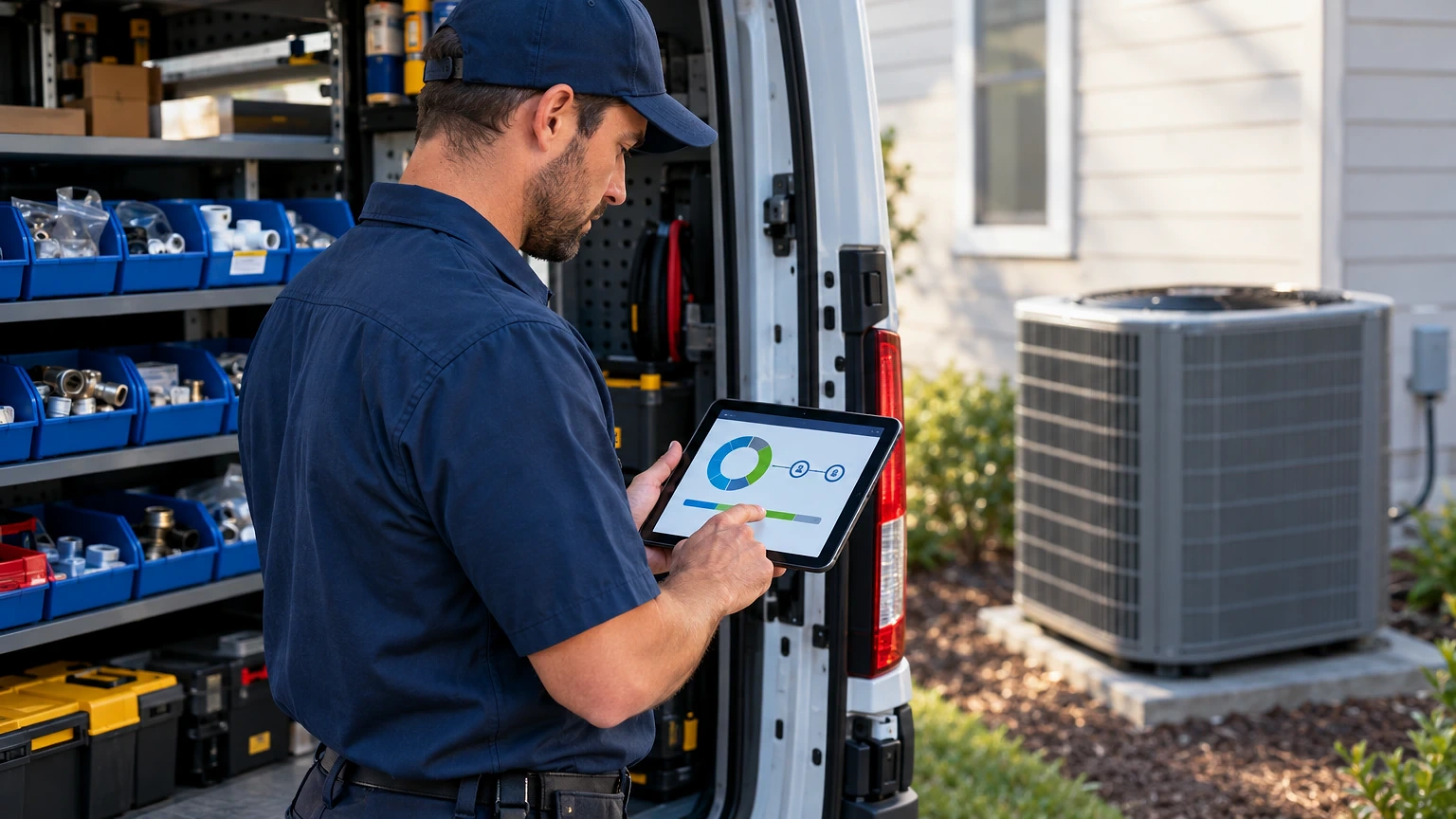
Start with one test: can a tech’s time and parts hit the job record from the truck, in real time? If entry waits until the office reconciles paper tickets on Friday, your costs lag your cash.

Instead, rank features by how much margin they protect. Mobile time capture comes first. Parts costing against the actual purchase price comes second. Third is a job profit view that updates as invoices post. Everything else, by contrast, is nice to have.
For example, picture a 12-truck HVAC shop running a no-cooling call. Then the tech burns two hours, a capacitor, and a contactor from truck stock. As a result, without live capture the office bills a flat rate and never sees the 45 minutes of drive time. With it, the job closes at a visible 31% margin instead of the 48% everyone assumed.
Therefore, ask every vendor to show that exact scenario. If the demo only shows dashboards, keep looking.
Seven Job Costing Software Options Worth Shortlisting
Use this list to narrow the field before you book demos:
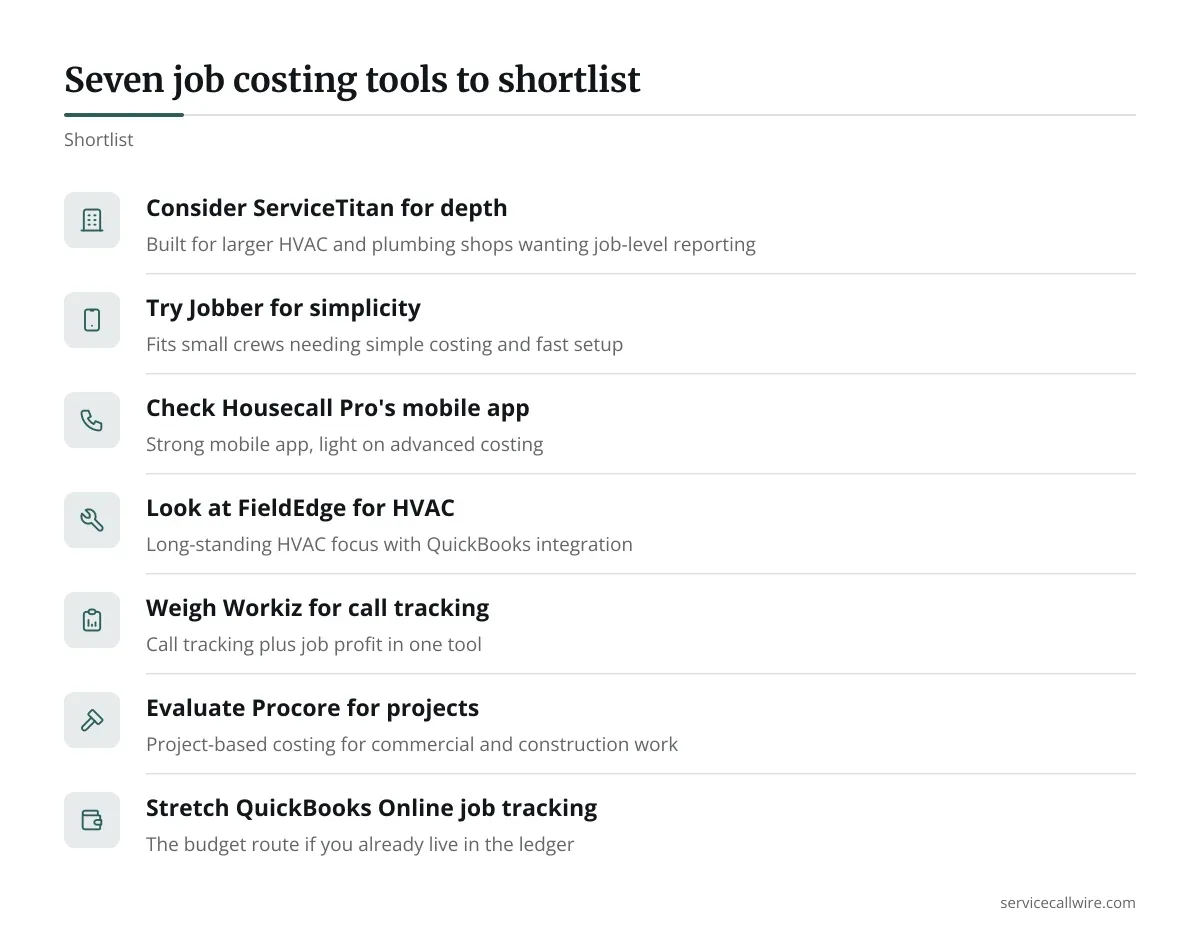
- ServiceTitan, built for larger HVAC and plumbing shops that want deep job-level reporting.
- Jobber, fits small crews that need simple costing and fast setup.
- Housecall Pro, strong mobile app, light on advanced costing.
- FieldEdge, long-standing HVAC focus with QuickBooks integration.
- Workiz, call tracking plus job profit in one tool.
- Procore, project-based costing for commercial and construction work.
- QuickBooks Online with job tracking, the budget route if you already live in the ledger.
Don’t demo all seven. Pick the two or three that match your size and trade, then test those hard.
ServiceTitan, FieldEdge, and the Heavy Hitters
ServiceTitan is the market leader for mid-size and large HVAC contractors. In addition, its job costing ties technician hours, purchase orders, and invoices into one profit figure per job. Pricing is quote-based and typically sits at the top of the market, with onboarding fees on top. Expect a real implementation project, not a weekend setup.
FieldEdge targets the same contractors at a lower price point. Its QuickBooks sync is the main draw. If your bookkeeper insists on keeping the ledger in QuickBooks, FieldEdge reduces double entry. Pricing is also quote-based.
Procore is a different animal. It tracks budgets, change orders, and commitments on long projects. For a shop installing rooftop units on a 90-day commercial build, that structure helps. For same-day service calls, it’s overkill.
The trade-off is simple. Heavy platforms give you better data and demand more admin time. If nobody owns the system, the data decays and the money is wasted.
Lighter Job Costing Software for Smaller Crews
A three-truck plumbing shop doesn’t need ServiceTitan’s reporting. It needs to know whether yesterday’s jobs made money.
Jobber and Housecall Pro both offer tiered monthly plans with a free trial, so you can test with real jobs before paying. Both capture time and materials on mobile. Their costing is basic: you see revenue against labor and parts, but not deep overhead allocation.
Workiz adds call tracking, which helps if you pay for ads and want cost per booked job next to job margin. Plans are tiered by user count.
These tools suit owners who still dispatch from their own phone. Once you pass roughly eight trucks, the missing depth starts to hurt. Plan for that switch early, because migrating job history later is painful.
Comparing the Tools Side by Side
| Tool | Best fit | Costing depth | Pricing model |
|---|---|---|---|
| ServiceTitan | 10+ trucks, HVAC/plumbing | Deep, per-job | Quote-based, premium |
| FieldEdge | 5-30 trucks, QuickBooks users | Strong | Quote-based, mid-to-high |
| Procore | Commercial project work | Project budget level | Quote-based |
| Jobber | 1-8 trucks | Basic | Tiered monthly plans, free trial |
| Housecall Pro | 1-10 trucks | Basic | Tiered monthly plans, free trial |
| Workiz | 1-10 trucks, ad-driven | Basic to moderate | Tiered by user count |
| QuickBooks Online | Bookkeeper-led shops | Manual, ledger-based | Tiered monthly plans |
Read the table as a starting point. Vendors change plans often, so confirm current pricing in a demo and get it in writing.
Questions to Ask Before You Sign
Most buyers compare features and skip the contract. Flip that order.
Ask how long implementation takes and who does the work. Also find out what happens to your data if you leave, and whether you can export full job history. Ask whether per-user pricing counts your techs, or only office staff.
Then run a pilot. Load 20 closed jobs from last month and see whether the software’s margin figures match your books. A gap of a few points is normal. A gap of 15 means the tool isn’t capturing something, usually parts or drive time.
If you haven’t settled on a method yet, the general job costing guide for HVAC contractors covers the basics worth knowing before any demo. Come back here once you know what you want the software to measure.
Choosing the Job Costing Software That Fits Your Shop
Match the tool to your headcount, your trade, and your bookkeeper. A five-truck HVAC shop with a QuickBooks-loyal accountant should demo FieldEdge. A two-van plumber should trial Jobber for a month and watch what the margin screen shows.
Whatever you pick, assign one person to own it. The best costing software fails when techs skip time entries and nobody chases them. Make job notes and parts logging a condition of closing the ticket.
Start with a 30-day pilot on real jobs. If the margin numbers surprise you, the software is already working.
Frequently asked questions
What’s the difference between job costing software and a field service management platform?
Field service platforms handle scheduling, dispatch, and invoicing. Job costing is one feature inside them. Standalone costing tools exist, but most shops get better results from a platform that captures costs where the work happens.
Can QuickBooks handle job costing for an HVAC business?
Yes, with limits. QuickBooks Online lets you tag income and expenses to a job. It relies on manual entry, so labor and parts often land late or not at all. It works for small shops with a disciplined bookkeeper.
How long does it take to implement job costing software?
Light tools like Jobber can run in a few days. Enterprise platforms like ServiceTitan usually take weeks to a few months, depending on data migration and training. Budget time for tech onboarding, because adoption in the field decides the outcome.
Do I need to pay per technician?
Often, yes. Many vendors price per user or per truck, so a larger crew raises your bill. Ask whether office staff, part-time techs, and seasonal help count toward your seat total before you sign.
What should I test during a free trial?
Run a real job end to end. Log tech time from a phone, add parts at your actual cost, invoice the customer, and check the margin figure. If any step needs a workaround, expect that friction every day.
